How powerful would your Shopify store become if you could automatically send order updates, recover abandoned carts, confirm cash-on-delivery (COD) orders, generate reviews, and even support customers — all through WhatsApp?

Table of Contents

If you run a Shopify store and your customers are in Pakistan, India, UAE, or the Middle East, there is one communication channel you cannot ignore, and that is WhatsApp.

Most customers in these regions check WhatsApp faster than email, respond quicker, and trust messages received on WhatsApp more than SMS or push notifications. This makes WhatsApp a powerful tool, not just for chatting, but for automating critical Shopify workflows.

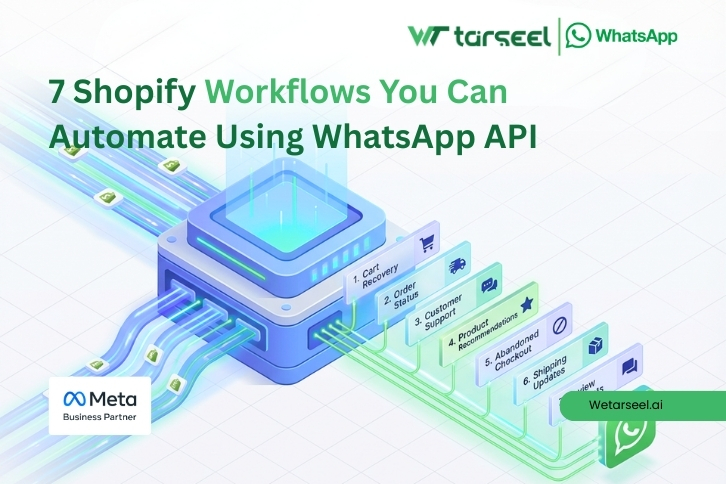
In this article, you’ll learn 7 Shopify workflows you can automate using WhatsApp API, why each workflow matters, and how automation improves real business outcomes like conversions, order success rate, customer satisfaction, and support efficiency.

Important: Most workflows discussed below are transactional in nature. These are service-related messages that customers expect after placing an order, such as confirmations, updates, and support replies. Promotional messages follow different approval rules and should be used carefully.

What Is Shopify WhatsApp API Automation?

Shopify WhatsApp API automation means automatically sending WhatsApp messages to customers based on events happening in your Shopify store.

For example:

  • A customer places an order → WhatsApp order confirmation is sent automatically
  • A customer abandons a cart → WhatsApp reminder is sent after some time
  • Order is shipped → WhatsApp tracking message is sent

This automation is done using the WhatsApp Business API, not the normal WhatsApp app.

Why the WhatsApp Business API (and not the app)?

The regular WhatsApp app:

  • Cannot send automated messages
  • Cannot integrate with Shopify
  • Is not allowed for bulk or transactional messaging

The WhatsApp Business API:

  • Supports automation
  • Allows approved message templates
  • Is designed for ecommerce, notifications, and support at scale

Shopify WhatsApp API Automation Workflows That Actually Matter

WhatsApp automation works best when it is connected to real events in your Shopify store.
Below are 7 practical Shopify workflows you can automate using WhatsApp API to reduce manual work, improve customer experience, and solve common ecommerce problems.

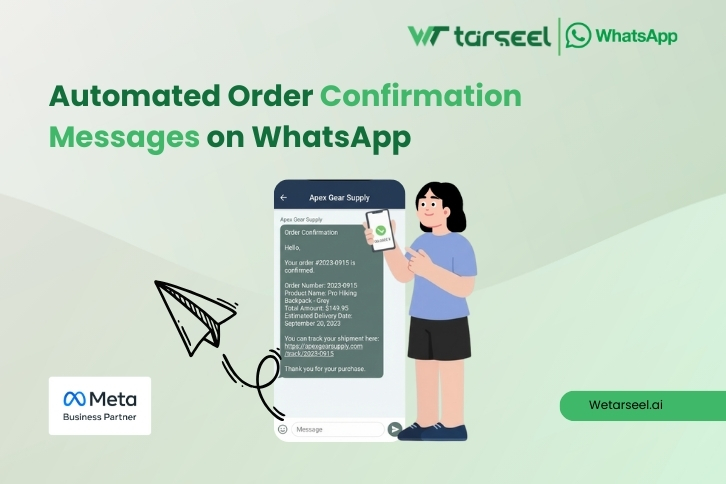
1. Automated Order Confirmation Messages on WhatsApp
Post 01 2 2

Why this workflow matters

After placing an order, customers immediately want confirmation.

Email confirmations often:

  • Go to spam

  • Are ignored

  • Are not opened on time

WhatsApp messages, on the other hand, have very high open rates and are usually seen within minutes.

What automation looks like

Trigger: Order placed in Shopify
Action: Send WhatsApp order confirmation automatically

The message can include:

  • Order number

  • Product summary

  • Total amount

  • Expected delivery time

  • Support contact

Real business impact

  • Reduces “Did my order go through?” support tickets

  • Builds instant trust

  • Improves post-purchase experience

For stores doing high daily order volume, this alone can save hours of manual work per week.

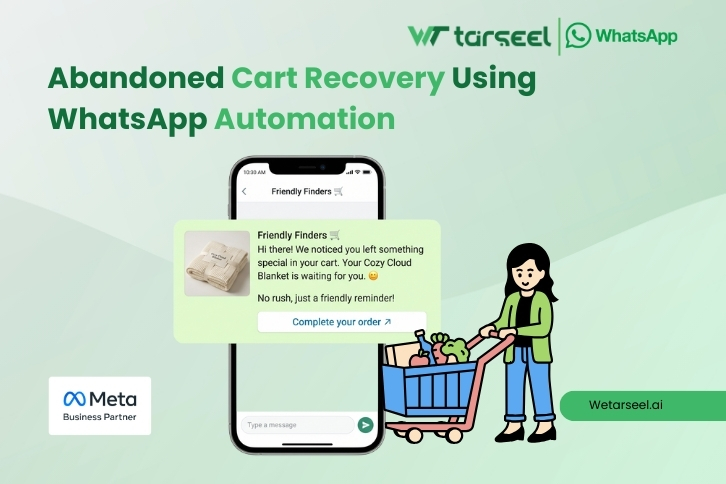
2. Abandoned Cart Recovery Using WhatsApp Automation
Abandoned Cart Recovery Using WhatsApp Automation

Why abandoned carts are a serious problem

Globally, most ecommerce carts are abandoned. Reasons include:

  • Distractions

  • Network issues

  • Payment hesitation

  • Lack of trust

Email cart recovery often fails because emails are ignored or opened too late.

How WhatsApp cart recovery works

Trigger: Customer adds product to cart but does not complete checkout
Action: Send WhatsApp reminder after a set time (e.g., 30 minutes or 2 hours)

The message can include:

  • Product name and image

  • Checkout link

  • Limited-time reminder

  • Optional incentive (if allowed)

Why WhatsApp works better here

This approach is commonly used by mobile-first Shopify stores where most traffic comes from smartphones.

  • Messages are seen quickly

  • Feels personal, not promotional

  • Ideal for mobile shoppers

Many Shopify merchants report higher recovery rates from WhatsApp compared to email alone.

3. Order Fulfillment & Shipping Updates via WhatsApp
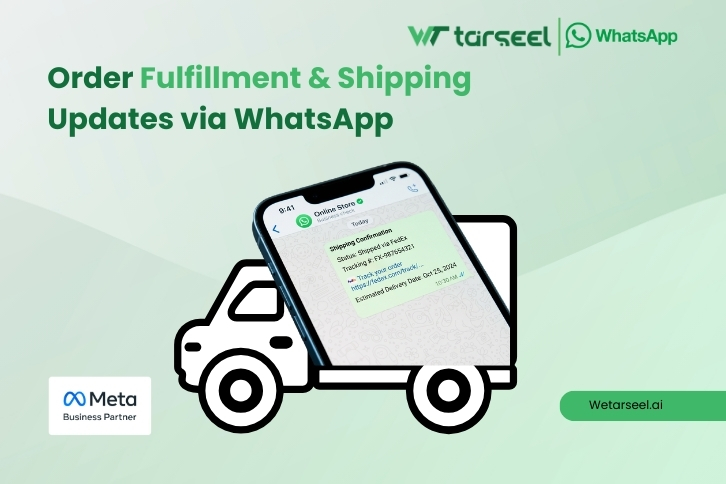
Post 01 4 2

The “Where is my order?” problem

One of the most common ecommerce support questions is:

“Where is my order?”

This creates unnecessary support load when customers simply want updates.

WhatsApp automation solution

Trigger: Order marked as fulfilled or shipped in Shopify
Action: Send WhatsApp shipping update automatically

Messages can include:

  • Courier name

  • Tracking number

  • Tracking link

  • Estimated delivery date

Benefits of this workflow

  • Reduces inbound support messages

  • Improves customer confidence

  • Keeps customers informed without manual follow-ups

For stores handling logistics partners, this workflow significantly improves communication clarity.

4. COD (Cash on Delivery) Order Confirmation Automation
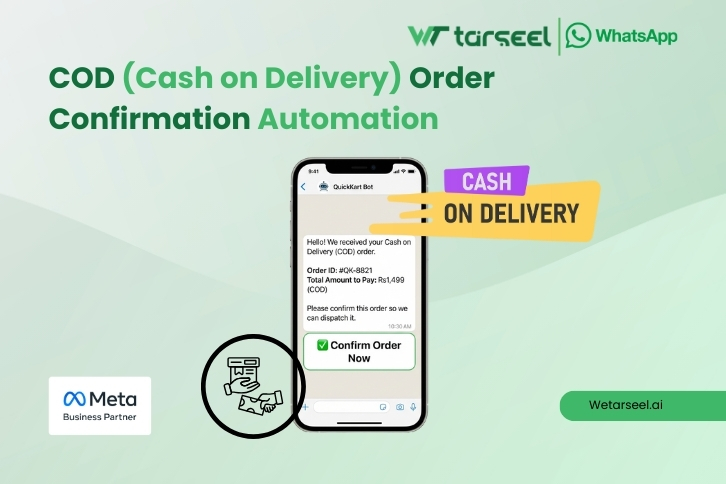
(Cash on Delivery) Order Confirmation Automation

Why this is critical in South Asia & MENA

In regions like Pakistan, India, and UAE, Cash on Delivery (COD) is very common.

The problem:

  • Customers place COD orders casually

  • Some orders are fake or unconfirmed

  • This increases returns and delivery costs

WhatsApp COD confirmation workflow

Trigger: Order placed with COD payment method
Action: Send WhatsApp message asking customer to confirm order

The customer can:

  • Reply “Yes” to confirm

  • Or click a confirmation button

Real-world impact

  • Filters out fake or low-intent orders

  • Improves delivery success rate

  • Reduces return-to-origin (RTO) losses

For COD-heavy stores, this workflow alone can save significant logistics costs.

Many COD-based Shopify stores in Pakistan and India use this workflow to confirm genuine orders before dispatch.

5. Automated Customer Support & FAQ Replies on WhatsApp
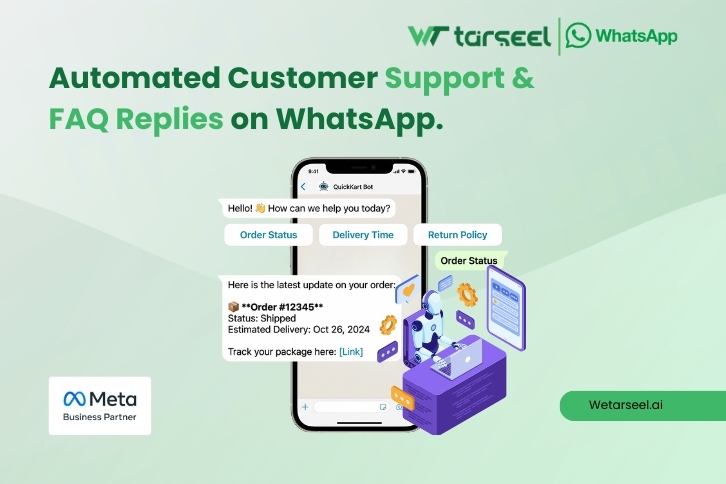
Automated Customer Support & FAQ Replies on WhatsApp

The support overload problem

Most ecommerce support questions are repetitive:

  • Delivery time?

  • Return policy?

  • Order status?

  • Payment options?

Manually answering these wastes time.

WhatsApp automation solution

Using WhatsApp API with automation or chatbot logic:

  • Common questions get automatic replies

  • Customers get instant answers

  • Support agents handle only complex issues

Why this improves customer experience

  • Faster response time

  • No waiting for business hours

  • Consistent answers

This workflow improves both customer satisfaction and team productivity.

6. Back-in-Stock & Product Restock Alerts
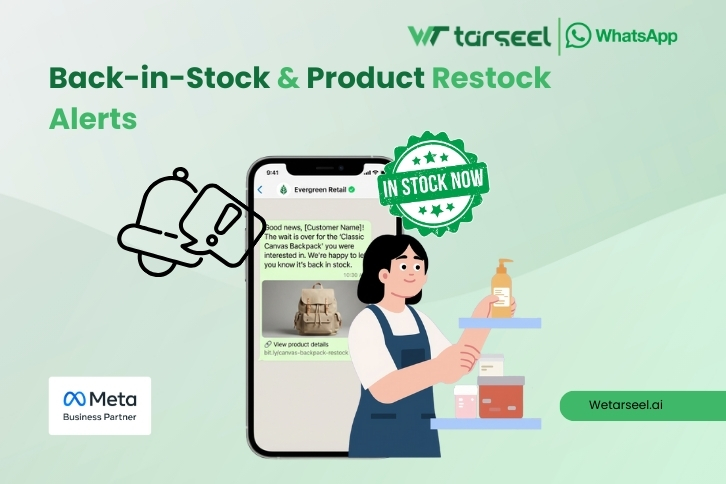
Back-in-Stock & Product Restock Alerts

Why restock alerts matter

Customers often leave because a product is out of stock — and never come back.

WhatsApp automation workflow

Trigger: Product restocked in Shopify
Action: Send WhatsApp alert to customers who opted in

Message can include:

  • Product name

  • Image

  • Direct purchase link

Business benefit

  • Brings back high-intent customers

  • Increases repeat sales

  • Reduces reliance on ads for returning traffic

This workflow works especially well for fast-moving or limited-stock products.

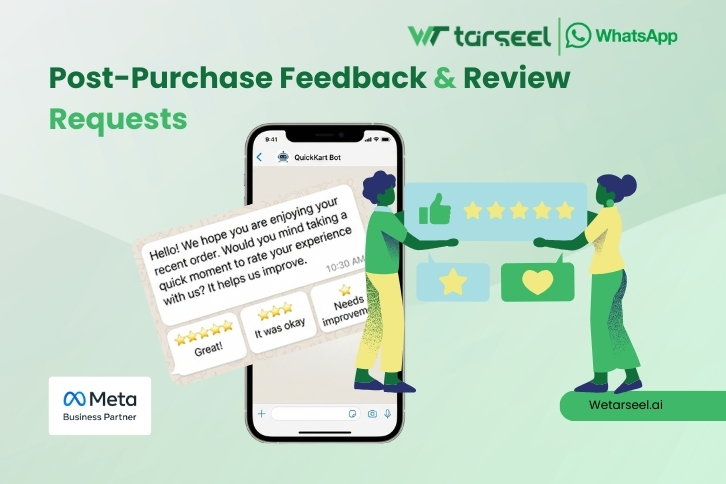
7. Post-Purchase Feedback & Review Requests
Post-Purchase Feedback & Review Requests

Why reviews matter for Shopify stores

Product reviews:

  • Build trust

  • Improve conversion rates

  • Help future customers decide

But many customers forget to leave reviews.

WhatsApp review request automation

Trigger: Order marked as delivered
Action: Send a WhatsApp message asking for feedback or review

Keep the message:

  • Short

  • Polite

  • Easy to respond to

Why WhatsApp works here

Customers are more likely to respond on WhatsApp than email forms.

Over time, this workflow helps build social proof and brand credibility.

Final Words

WhatsApp automation works best when it supports customers, not interrupts them. By connecting WhatsApp API to meaningful Shopify events, stores can improve communication quality while reducing operational effort. The result is a more predictable, trustworthy ecommerce experience — for both customers and teams.

FAQs

  • What is Shopify WhatsApp API automation?

    Shopify WhatsApp API automation is the process of sending WhatsApp messages automatically based on events in a Shopify store, such as order placement, shipping updates, abandoned carts, or delivery confirmation. It uses the WhatsApp Business API, not the regular WhatsApp app.

  • Do I need WhatsApp Business API to automate Shopify workflows?

    Yes. Automated messages, transactional notifications, and integrations with Shopify are only possible using the WhatsApp Business API. The regular WhatsApp or WhatsApp Business app does not support automation or API-based workflows.

  • Is WhatsApp automation allowed for Shopify stores?

    Yes, WhatsApp automation is allowed as long as customers have opted in and messages follow WhatsApp’s official template and policy guidelines. Transactional messages like order confirmations and shipping updates are commonly approved.

  • Which Shopify workflows work best with WhatsApp automation?

    Shopify workflows that are time-sensitive and transactional work best, such as order confirmations, abandoned cart reminders, shipping updates, COD confirmations, customer support replies, restock alerts, and review requests.

  • Is WhatsApp better than email for Shopify notifications?

    In WhatsApp-first regions such as Pakistan, India, UAE, and the Middle East, WhatsApp messages are often opened faster than emails. This makes WhatsApp more effective for urgent and transactional notifications, while email can still support long-form communication.

  • Can small Shopify stores use WhatsApp automation?

    Yes. Small and mid-sized Shopify stores can use no-code tools or Shopify apps to automate WhatsApp workflows without technical knowledge. Automation is especially helpful for stores handling COD orders or growing order volumes.

  • Are abandoned cart WhatsApp messages considered promotional?

    Abandoned cart messages are usually treated as transactional or service-related when sent as reminders for an existing cart, but they must still follow WhatsApp’s template approval and opt-in rules.