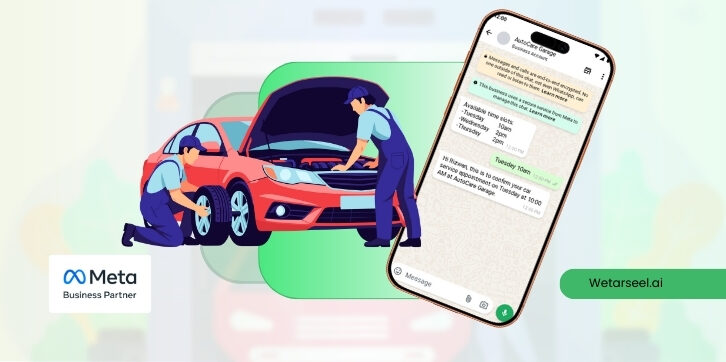
The basics
What is the WhatsApp Business API?
The WhatsApp Business API is the business version of WhatsApp. It is built to handle many customer chats at once.
It does not run on one phone. It connects to your garage software or CRM. Then it sends messages for you, like confirmations, reminders, and invoices.
Why garages use it
✓ Every customer already uses WhatsApp. No app to download.
✓ Replies are instant, so fewer missed calls.
✓ Reminders and updates go out on their own.
✓ Regular follow-ups bring customers back.
2–3 hrs
Saved every day by automating simple tasks like confirmations and status updates.
Why it matters
Why Car Garages Need WhatsApp API?
Garages deal with dozens of daily customer interactions: calls, updates, quotations, and reminders. Doing all of this manually takes time, and it's easy to miss something. Here's why WhatsApp API helps:
📱
Every customer already uses WhatsApp
No app downloads needed.
⚡
Faster communication
Replies are instant, reducing missed calls.
⏱️
Automation saves time
Confirmations, updates, and reminders run automatically.
⭐
Professional image
Customers see your garage as modern and reliable.
🔁
Builds loyalty
Regular follow-ups bring customers back for future services.
Use cases
5 Ways a Car Garage Can Use WhatsApp API
01
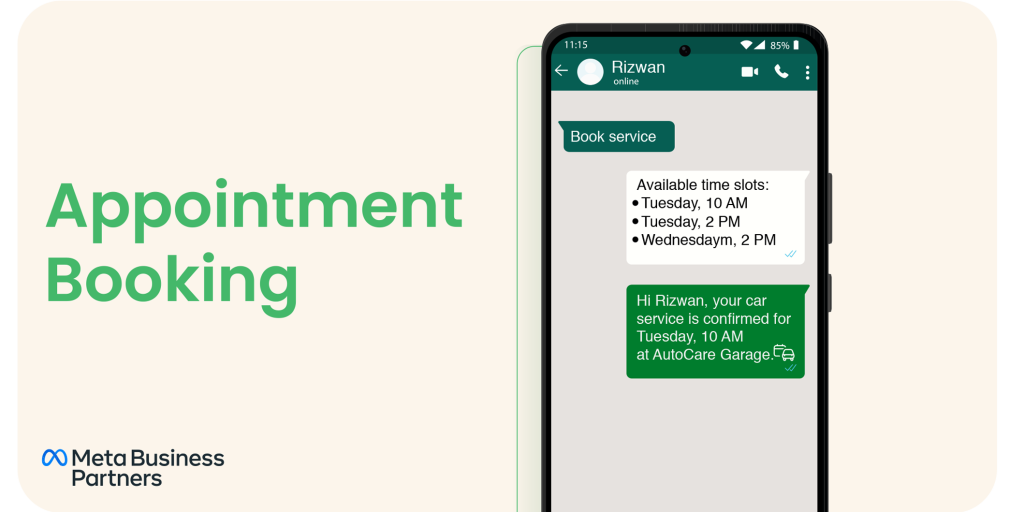
Appointment Booking
Customers can send “Book service” on WhatsApp. The system replies with available slots and confirms automatically.
Hi Rizwan, your car service is confirmed for Tuesday, 10 AM at AutoCare Garage.
02
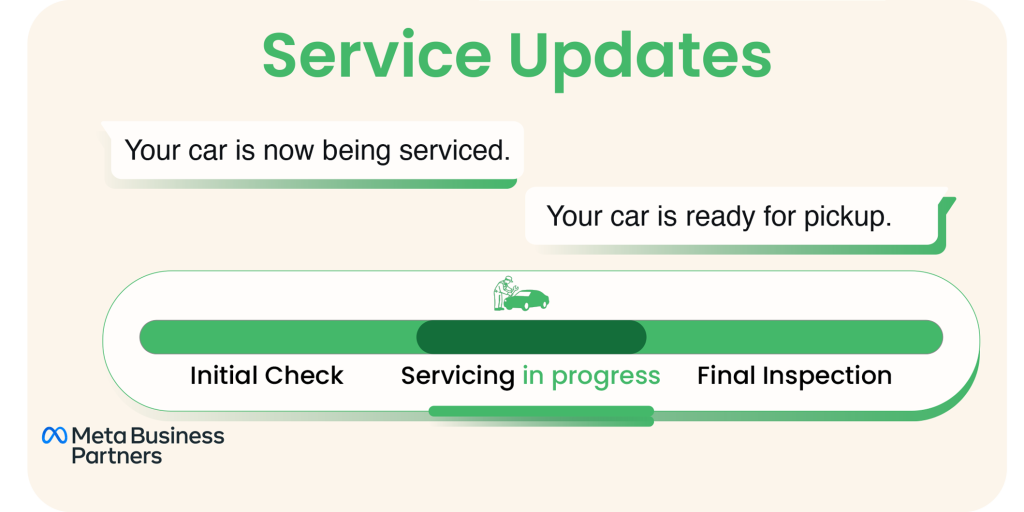
Service Updates
Keep customers informed with automatic progress updates:
Your car is now being serviced.
Your car is ready for pickup. ✅
03
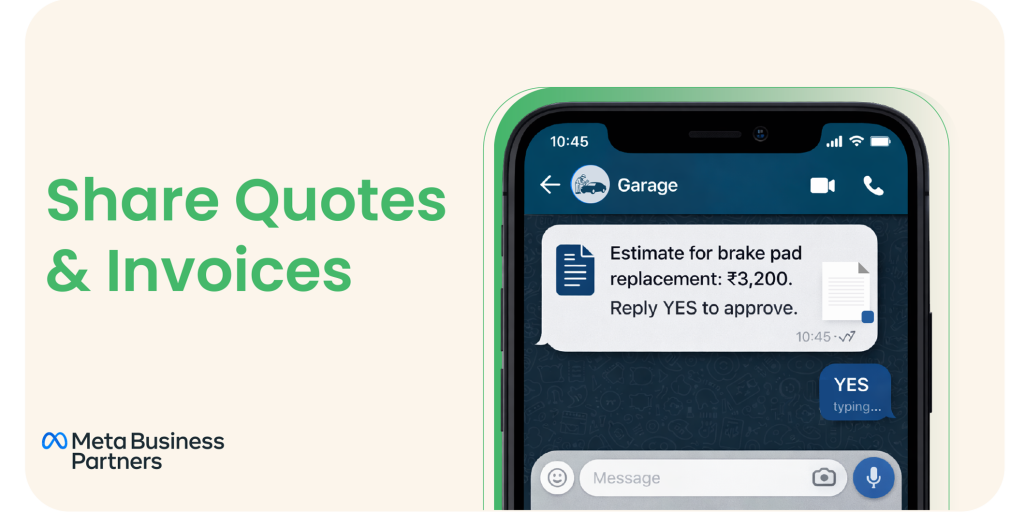
Share Quotes & Invoices
Send quotations or invoices directly on WhatsApp for faster approvals.
Estimate for brake pad replacement: AED 450. Reply YES to approve.
04
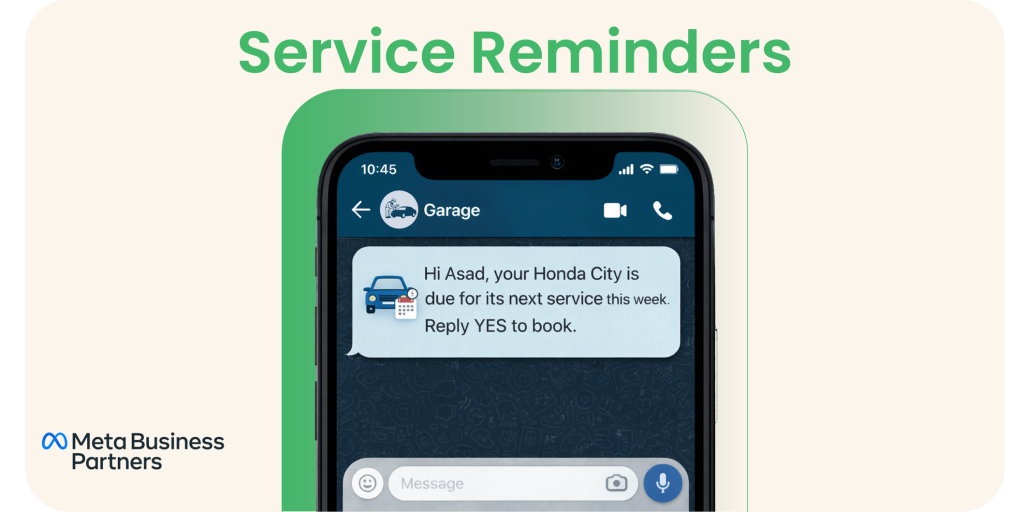
Service Reminders
Send automatic reminders for:
✓ Next oil change
✓ Annual service
✓ Insurance renewal
Hi Asad, your Honda City is due for its next service this week. Reply YES to book.
05
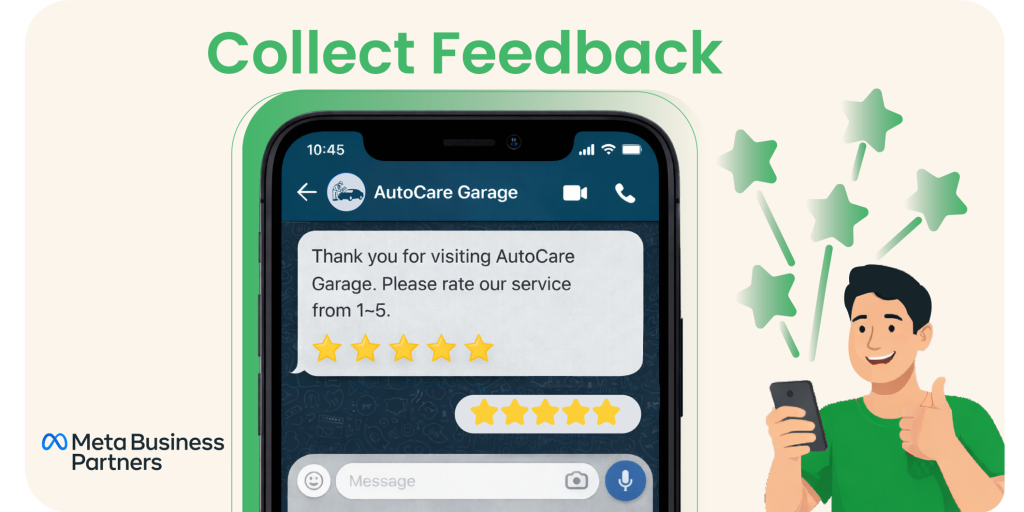
Collect Feedback
After service completion, collect customer feedback.
Thank you for visiting AutoCare Garage. Please rate our service from 1–5. ⭐
It's simple and improves your online reputation.
In 5 steps
How to get started
From signing up to sending your first booking confirmation, most garages are live in a few days.
01
Pick an official provider
WhatsApp API access comes through a Meta-authorized provider like Wetarseel.
02
Verify your business
You need a Meta Business account, your business documents, and a WhatsApp number for your garage.
03
Set up message templates
Templates are pre-approved messages for bookings, payments, and service updates.
Hi {{1}}, your car service is scheduled for {{2}} at {{3}}. Reply YES to confirm.
04
Connect your system
Link your garage software or CRM so messages go out when a booking is made, a job is done, or a bill is created. No system? Use your provider's dashboard or chatbot builder.
05
Train your team
Reply fast, keep the tone polite, and save quick replies for common questions like cost, timings, and directions.
FAQ
Frequently Asked Questions
Everything garage owners usually ask before getting started with WhatsApp API. Can't find your answer? Talk to our team.
Contact us
How is WhatsApp Business API different from the regular WhatsApp?
The API is built for businesses. It lets your garage automate messages, use approved templates, connect to your CRM, and handle many chats at once, 24/7.
Do I need to verify my business?
Yes. WhatsApp asks you to verify your business through a Meta Business account, and to verify the phone number you want to use. This unlocks templates and higher messaging limits.
Can customers message me anytime?
Yes. When a customer messages first, you can reply freely for 24 hours. To message first, or after that window closes, you need a pre-approved template.
How much does WhatsApp API cost?
Cost depends on your provider's plan, plus Meta's per-message fees for template messages, which vary by country and message type. See Wetarseel pricing for a clear breakdown.
Which provider should I choose?
Choose an official Meta-authorized provider with CRM integration, ready-made templates, a shared team inbox, and clear pricing. Wetarseel offers all of these.
Can I send photos or videos of the repair?
Yes. The API supports images, videos, and PDFs. Share photos of replaced parts or finished work to build trust.
Can I automate reminders and follow-ups?
Yes. Service reminders and post-job follow-ups can run automatically using templates or chat flows.
Do I need technical skills?
Not much. Verification, template approval, and system connection are needed, but a good provider guides you through each step with a simple dashboard.
What limits should I expect?
Template approval takes some time, message content must follow WhatsApp policy, customers must opt in, and some message types are charged.