Quick Answer
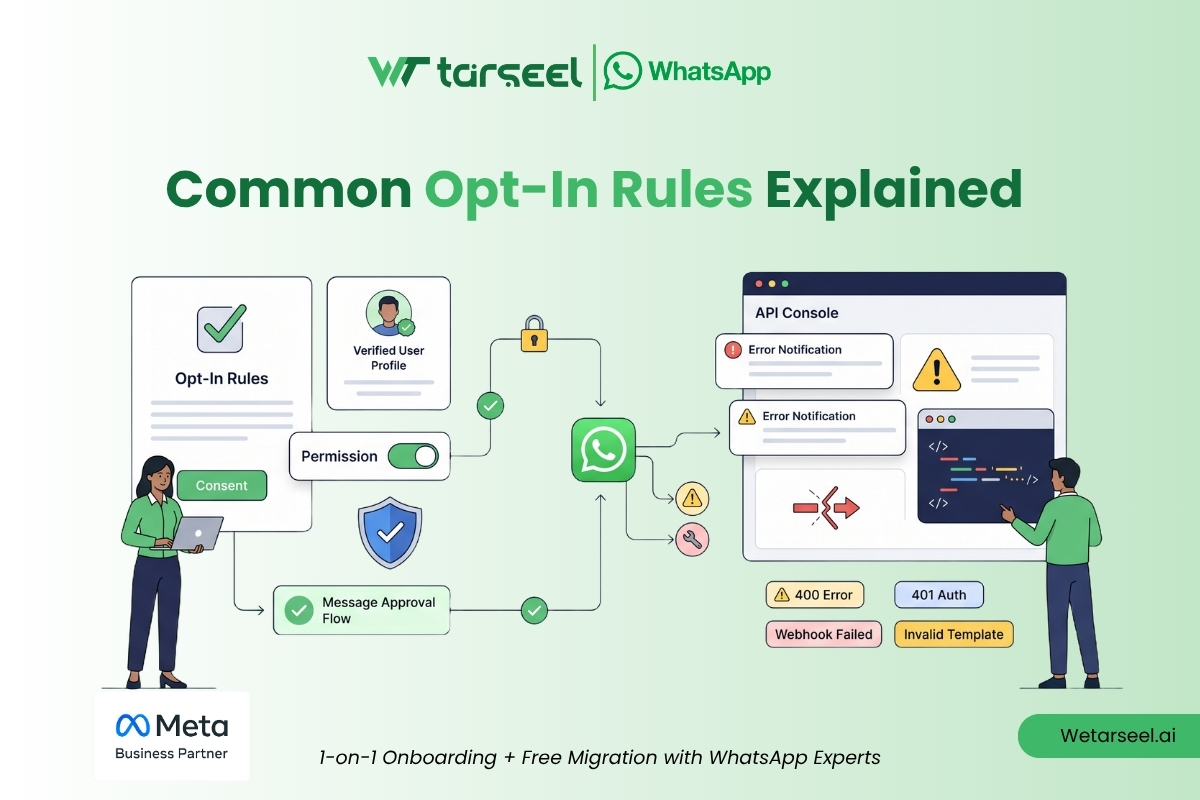
A WhatsApp business API opt-in is a customer’s explicit, voluntary permission to receive messages from your business on WhatsApp. Before sending any business-initiated communication (such as notifications, utility alerts, or marketing broadcasts) through the WhatsApp Business API or App, you must obtain clear consent.
Obtaining valid opt-in consent is both a compliance obligation under Meta’s Business Messaging Policy and a critical quality filter. It ensures you only communicate with high-intent customers, dramatically reduces spam reports, protects your phone number’s health rating, and keeps your messaging delivery limits intact.
Key Takeaways
| Metric / Requirement | Core Policy Standard | Strategic Intent |
| Opt-In Mandate | Required for all business-initiated template messages. | Eliminates unsolicited spam on personal chat interfaces. |
| Consent Baseline | Must clearly state your business name and intention to message. | Establishes absolute transparency for the end-user. |
| Opt-In Location | Allowed via third-party channels (Web, Checkout, SMS, App, QR). | Allows flexible multi-channel list building outside WhatsApp. |
| Validation Action | Must be an affirmative user action (Click, Checkbox, Keyword entry). | Pre-checked boxes or bundled hidden terms are strictly invalid. |
| Opt-Out Control | Must honor opt-out triggers (e.g., “STOP”) immediately. | Prevents users from clicking Meta’s hard “Block/Report” button. |
Understanding the Rules: What Counts as a Valid WhatsApp Business API Opt-In Rules?
A valid WhatsApp Business API opt-in requires a clear, unambiguous action from your customer. Simply storing a user’s phone number inside your billing software or CRM does not grant you the right to broadcast automated messages.
Meta’s global business messaging guidelines dictate that a compliant opt-in process must hit four foundational notes:
Clear Business Identity: The customer must explicitly see the exact business name or brand that will send the messages.
Clear Purpose & Scope: The user must understand the content category they are joining. If they sign up exclusively for transactional delivery alerts, sending them promotional coupons violates compliance.
Active Affirmative Action: Consent cannot be assumed or forced. The user must physically tick an empty checkbox, click a dedicated validation button, or send an inbound keyword trigger.
Frictionless Exit Mechanism: The business must inform the user how to unsubscribe easily, and your software architecture must execute that request instantly.
What does NOT count as a valid WhatsApp Opt-In?
Avoid these high-risk operational mistakes to protect your API access from being throttled, paused, or permanently banned:
❌ The “We Already Have Your Number” Fallacy: Pulling customer numbers from past invoice spreadsheets or delivery shipping labels to create a marketing blast list is a direct policy violation.
❌ Implicit Consent via Purchase: A successful financial transaction creates a customer history, but it does not create a marketing permission record for chat apps.
❌ Exchanging Business Cards: Receiving a printed contact card during an exhibition or corporate event gives you permission for standard individual networking, not for automated mass-broadcasting.
❌ Purchased Third-Party Lead Lists: Importing data blocks purchased from external vendors is the fastest way to destroy your sender score. These contacts will flag unexpected messages as spam immediately, forcing Meta to auto-suspend your number.
❌ Bundled or Pre-Checked Boxes: Hiding your WhatsApp opt-in inside a massive general “Terms and Conditions” link, or leaving a subscription box checked by default during checkout, is invalid under Meta compliance and data regulations like GDPR.
How to Collect Opt-Ins Across the Customer Journey
To scale your subscriber list cleanly, weave compliance-first consent checkboxes and triggers smoothly into your existing digital and physical customer touchpoints.
1. Website Forms & Account Registrations
When visitors sign up for platforms, request pricing sheets, or join newsletters, offer a clear opt-in toggle directly adjacent to the phone number input field.
✓ Compliant Text: “☐ Send my account verification codes and platform status updates from [Company Name] via WhatsApp.”
❌ Non-Compliant Text: “☐ Keep me updated across channels.” (Too vague; fails to name the platform or specify the exact communication delivery method).
2. E-commerce Checkout Frameworks
The checkout sequence is the highest-converting space for utility opt-ins because buyers have an active, immediate interest in tracking their order values and package journeys.
✓ Compliant Text: “☐ Yes, send my order confirmation and real-time shipping updates from [Brand Name] via WhatsApp. I can text STOP to unsubscribe.”
3. Click-to-WhatsApp (CTWA) Ads & QR Codes
These entry funnels are entirely user-initiated. When a consumer clicks a Facebook/Instagram ad or scans a physical QR code on product packaging, it opens a live WhatsApp chat thread.
Operational Nuance: While the customer technically initiated the contact window, you must still capture an explicit confirmation (e.g., using a quick-reply button response) if you intend to send them recurring marketing broadcasts outside the initial inquiry context.
4. Live Customer Support Threads
When a customer reaches out to your helpline via WhatsApp, a 24-hour Customer Service Window opens. You can reply with free-form text to resolve their problem without needing a pre-approved template. Before concluding the support session, build an automation rule that prompts the user to opt into ongoing account notifications.
Niche Copy Templates: Compliant vs. Invalid Blueprints
Align your confirmation phrasing with your specific industry vertical to keep conversion rates high and customer expectations clear.
E-commerce & Direct-to-Consumer Retail
✓ Compliant Copy: “☐ I want to receive shipping updates, restock alerts, and exclusive early sale notifications from [Brand Name] on WhatsApp. Text STOP to end.”
❌ Invalid Copy: “Receive regular digital updates.” (Completely omits the brand name, the communication channel, and the exit pathway).
Healthcare, Clinics & Medical Diagnostics
✓ Compliant Copy: “☐ Send my medical appointment confirmations, check-up reminders, and laboratory report download links from [Clinic Name] via WhatsApp.”
❌ Invalid Copy: “☐ Opt-in to mobile tracking alerts.” (Fails to explicitly specify the WhatsApp platform).
Corporate B2B & Enterprise SaaS Platforms
✓ Compliant Copy: “☐ Send user onboarding tips, monthly billing statements, and critical system uptime alerts from [Product Name] to my WhatsApp number.”
❌ Invalid Copy: “☐ Send notifications.” (Fails to name the product or specify the messaging application).
Enterprise Data Management: Logging Consent inside Your CRM
Capturing a customer’s checkmark is only the first step. You must record robust cryptographic and structural logs of that event inside your primary database or Customer Data Platform (CDP). If a user files an official complaint or Meta runs a compliance audit on your account, you must be able to prove consent instantly.
Ensure your data architecture captures and maps these five specific data parameters for every subscriber:
| Logged Data Parameter | Database Context Captured | Audit & Functional Utility |
| Timestamp | Day, Month, Year, Hour, Minute, Second. | Proves the precise point in time consent was granted. |
| Consent Source URL | The exact web page, checkout step, or QR asset ID. | Pinpoints exactly where the interaction occurred. |
| Exact Copy String | The exact version of text displayed to the user. | Protects your business if you rewrite your website copy later. |
| Channel Separation Flag | Discrete database columns for Email, SMS, and WhatsApp. | Prevents cross-channel pollution (e.g., emailing an SMS list). |
| Opt-Out State Change | Active Binary Toggle (1 = Subscribed, 0 = Unsubscribed). | Drops the number from all marketing broadcast queues instantly. |
Automating the Opt-Out Response
Consent must be treated as a flexible asset. Make your unsubscribe framework totally friction-free.
Set up keyword detection rules in your workflow engines (such as your CRM, platform webhooks, or automation tools like n8n). If a user responds to your broadcast with keywords like “STOP”, “UNSUBSCRIBE”, or “QUIT”, your backend architecture must flip their database channel value to 0 automatically. Doing so prevents subsequent automated templates from firing, protecting your quality rating before the customer resorts to blocking you manually.
The Master Implementation Audit Checklist
Run through these five critical checks before executing any major template blast or activating a new automated workflow sequence on the WhatsApp Business Platform:
Explicit Platform Naming: Does the user undeniably know they signed up for messages on WhatsApp specifically, rather than generic text or email alerts?
Contextual Alignment: Does the content of your template align perfectly with what the subscriber chose? (Never sneak a flash sale promotion into a line designed for critical utility notifications).
Audit Trail Documentation: If Meta flags your account for a manual review tomorrow, can your technical team export a clean, timestamped CSV file validating individual customer opt-in records?
Friction-Free Unsubscribe Paths: Can a customer easily opt out by replying with a simple standard keyword, or by tapping an automated “Marketing Opt-Out” footer button?
Real-Time Database Sync: Is your central CRM system fully unified across all active sales, marketing, and customer service teams so that an opted-out user is never accidentally messaged by another department?
FAQs
-
Is WhatsApp opt-in required for WhatsApp Business API?
Yes. Meta strictly mandates opt-in verification for the WhatsApp Business API (Platform) for all business-initiated communications. These are messages sent outside the 24-hour customer service window using pre-approved templates (such as utility updates, authentication codes, or marketing blasts). The only scenario where a prior opt-in is not required is when you are responding directly to an incoming customer query inside that active 24-hour window.
-
Can I send WhatsApp messages to customers who have previously purchased from me?
Only for direct support replies, or if they opted in during that purchase. A historical transaction establishes a relationship, but it does not serve as an automatic opt-in for proactive WhatsApp messages. You cannot migrate an older offline or email database onto WhatsApp without running a clear opt-in campaign first. To contact them compliantly, you can send an SMS or an email containing a wa.me chat link, inviting them to explicitly opt into your WhatsApp updates.
-
What is the absolute best way to collect WhatsApp opt-ins?
For transactional and e-commerce companies, the single most effective method is an un-ticked checkbox on the checkout or order-confirmation page that highlights clear value (e.g., "Get real-time order tracking updates on WhatsApp"). This approach routinely delivers a 60–75% opt-in rate from high-intent buyers. For lead-generation or service businesses, running Click-to-WhatsApp ads combined with an immediate automated welcome flow offers the highest acquisition performance.
-
Do I need to know how to code to set up compliant opt-in flows?
No. While enterprise networks use custom API integrations, modern mid-market businesses can manage compliance entirely through no-code marketing automation tools, business solution providers (BSPs), and major CRMs. These platforms offer native checkbox widgets, built-in timestamp logging, and automated keyword processing workflows (like turning "STOP" into an immediate unsubscribe action) without writing a single line of custom code.
-
Can customers opt out of WhatsApp messages?
Yes, and you must make it simple for them to do so. Customers can opt out at any time. The most reliable approach is to include Meta's native quick-reply "Opt-out" button directly inside the footer of your marketing templates. Additionally, your backend system must be set up to recognize text replies like "STOP" and immediately remove those contacts from future broadcasts. Ensuring a smooth unsubscribe process keeps your customers happy and prevents them from reporting your account, protecting your sender score from being downgraded.