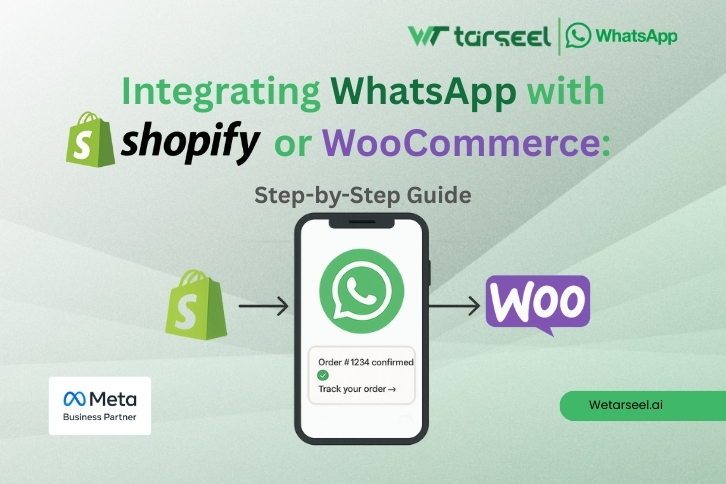
WhatsApp integration with Shopify and WooCommerce means connecting your online store to WhatsApp so you can automatically send important messages to customers, such as order confirmations, shipping updates, and abandoned cart reminders.

Today, WhatsApp is one of the most used apps in the world. Customers check WhatsApp many times a day, while emails are often ignored or lost in spam folders.

This is why many ecommerce businesses now use WhatsApp as a primary communication channel, not just a support tool.

What Is WhatsApp Integration for Shopify and WooCommerce?

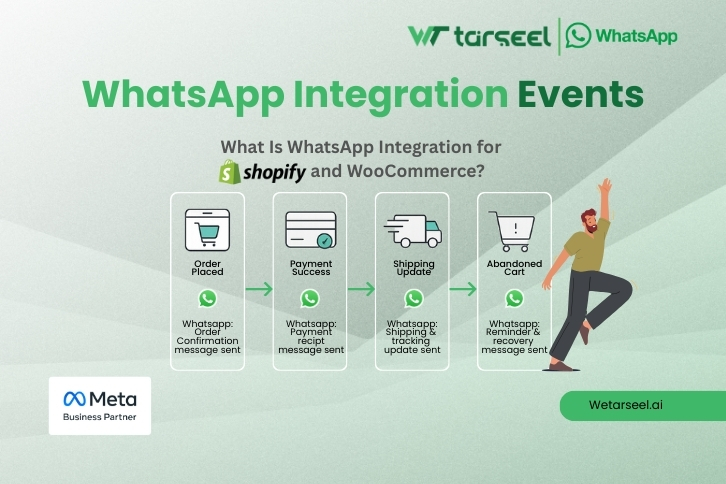
WhatsApp integration allows your store to send automated WhatsApp messages when certain events happen, such as:

  • A customer places an order

  • A payment is successful

  • An order is shipped

  • A cart is abandoned

To do this properly, stores must use WhatsApp Business API.

WhatsApp Business App vs WhatsApp Business API
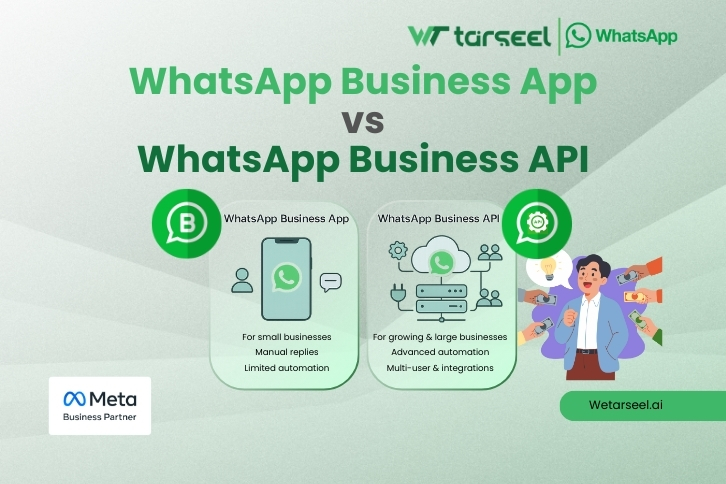
WhatsApp business app vs WhatsApp business api

Many store owners confuse these two.

FeatureWhatsApp Business AppWhatsApp Business API
Manual chatsYesNo
Automated messagesNoYes
Order notificationsNoYes
Cart recoveryNoYes
Multiple agentsLimitedYes
Ecommerce integrationNoYes

If you want automation, Shopify or WooCommerce integration, you must use WhatsApp Business API.

Why Integrate WhatsApp with Shopify or WooCommerce?

1. Customers Read WhatsApp Messages Faster
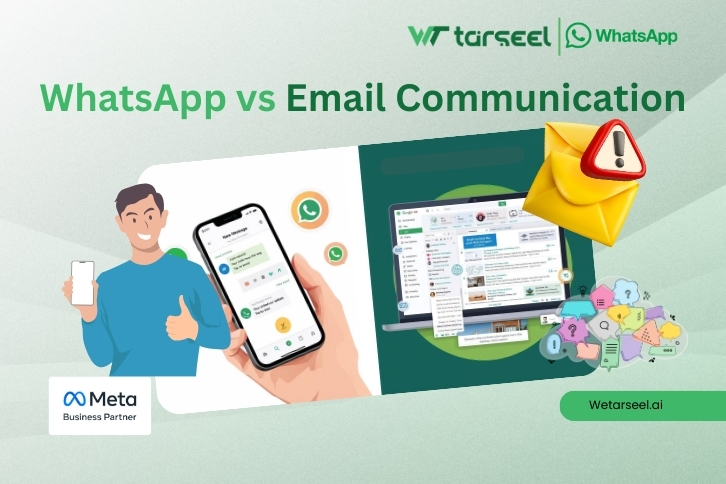
Email vs Whatsapp

WhatsApp messages appear as direct notifications on the phone. Unlike email, they do not depend on spam filters or inbox categories.

From an ecommerce point of view, WhatsApp works better because it is personal, instant, and familiar. Customers are already trained to respond quickly to WhatsApp messages.

2. Abandoned Cart Recovery Works Better on WhatsApp
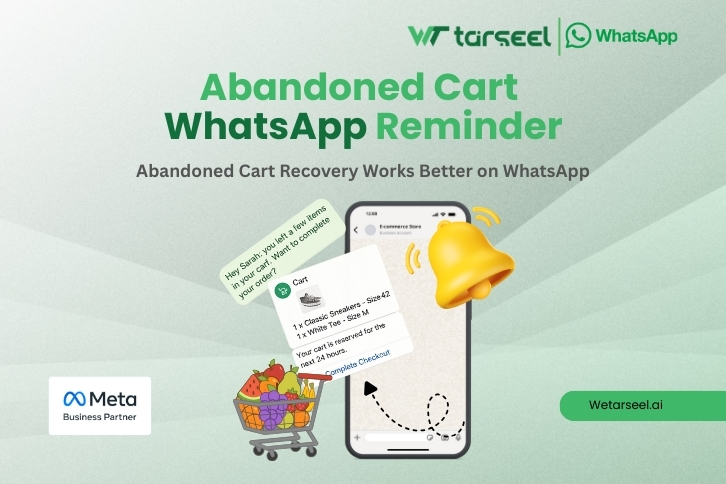
Post 01 5 1

More than 70% of ecommerce carts are abandoned.
WhatsApp reminders often recover 20–30% of these carts, when done correctly.

A simple reminder such as:

“You left items in your cart. Need help completing your order?”

often performs better than long email sequences.

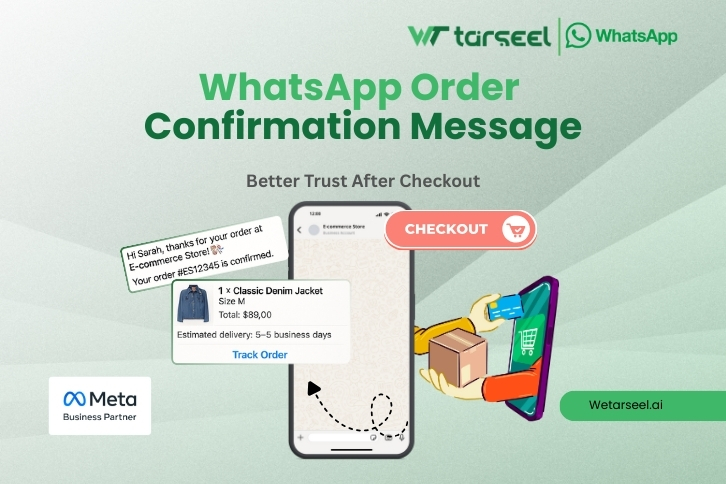
3. Better Trust After Checkout
Post 01 6 1

Many customers worry after placing an order, especially from smaller or newer stores.

Receiving an instant WhatsApp order confirmation:

  • Builds trust
  • Reduces support queries
  • Reassures the customer that the store is legitimate

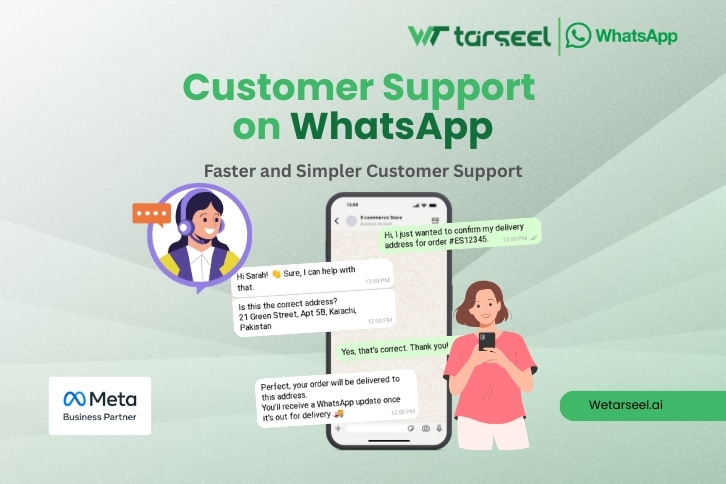
4. Faster and Simpler Customer Support
Post 01 7 1

Customers can reply directly to WhatsApp messages:

  • Ask delivery questions
  • Confirm addresses
  • Report issues

This reduces email back-and-forth and speeds up problem resolution.
How WhatsApp Integration Works (Simple Technical Explanation)

Post 01 4 1

WhatsApp integration works using event-based automation.

Here is what happens behind the scenes:

  1. A customer action occurs (order placed, cart abandoned, order shipped)
  2. Shopify or WooCommerce sends event data
  3. The WhatsApp API receives this data
  4. A pre-approved message template is triggered
  5. The customer receives the message on WhatsApp

Each message includes real order details such as:

  • Order ID
  • Product name
  • Order value

This makes the message relevant and useful.

Understanding WhatsApp Message Templates

WhatsApp does not allow businesses to send random automated messages.

Every automated message must use a pre-approved template.

Why WhatsApp Requires Template Approval

Template approval exists to:

  • Prevent spam
  • Protect user trust
  • Maintain WhatsApp quality standards

Templates should be:

  • Clear
  • Informational
  • Non-promotional

Poor templates often get rejected or cause account warnings.

Step-by-Step: WhatsApp Integration with Shopify

Step 1: Get WhatsApp Business API Access

You need:

  • Meta Business Manager account
  • Business verification documents
  • A phone number not already linked to WhatsApp

Most stores work with an official WhatsApp API provider to simplify this process.

Step 2: Choose a Shopify WhatsApp Integration App

Select an app that supports:

  • Order notifications
  • Cart abandonment reminders
  • Customer replies
  • Template management

Avoid apps that only add a WhatsApp chat button — that is not real integration.

Step 3: Connect Your Shopify Store

After installing the app:

  • Log into the dashboard
  • Connect your Shopify store
  • Grant required permissions

This allows the app to read order and cart events.

Step 4: Create and Approve Message Templates

Create templates for:

  • Order confirmation
  • Shipping updates
  • Delivery confirmation
  • Cart abandonment

Keep messages short and helpful.

Step 5: Configure Automation Triggers

Decide:

  • When messages should be sent
  • How many messages per event
  • Time delays (for cart reminders)

Avoid sending too many messages.

Step 6: Test Everything Before Going Live

Test with:

  • Real phone numbers
  • Different order scenarios
  • Failed and successful payments

Testing prevents customer confusion and errors.

Step-by-Step: WhatsApp Integration with WooCommerce

The process is similar but uses plugins instead of apps.

Step 1: WhatsApp Business API Setup

Same requirements as Shopify:

  • Business verification
  • WhatsApp API provider

Step 2: Install a WooCommerce WhatsApp Plugin

Choose a plugin that supports:

  • API credentials
  • Webhooks
  • Order status triggers

Make sure it is compatible with your WooCommerce version.

Step 3: Connect API Credentials

In plugin settings:

  • Enter API key
  • Add WhatsApp number
  • Configure webhooks

Step 4: Configure Templates and Events

Select:

  • Message types
  • Trigger conditions
  • Country code formats

Step 5: Testing and Monitoring

Test real orders and check:

  • Message delivery
  • Correct order details
  • Customer reply handling

Limitations of WhatsApp Integration

WhatsApp integration is powerful, but not perfect.

Limitations include:

  • Per-conversation cost
  • Strict messaging rules
  • Risk of account restriction if misused
  • Not suitable for long marketing content

WhatsApp should be used mainly for transactional and high-intent communication, not spam marketing.

Common Mistakes to Avoid

1- Sending Too Many Messages

Leads to spam reports and account issues.

2- Poor Template Language

Salesy or misleading messages reduce trust.

3- No Customer Opt-In

Opt-in is mandatory under WhatsApp rules.

4- Skipping Testing

Causes broken or incorrect messages.

Final Words

Integrating WhatsApp with Shopify and WooCommerce is becoming essential for ecommerce businesses, especially in regions where WhatsApp is part of daily life.

When done correctly, it:

  • Improves customer trust
  • Reduces abandoned carts
  • Increases repeat purchases
  • Simplifies customer communication

The key is to focus on usefulness, not promotion.
Send relevant messages, respect customer privacy, and follow WhatsApp rules.