Businesses integrating the WhatsApp Business Platform often encounter the same confusing issue:
“Why did one message deliver successfully while another fail completely?”
In most cases, the answer comes down to understanding the difference between:
session messages (commonly used industry terminology)
template messages
This distinction is not a minor API detail. It directly impacts:
message delivery
customer support workflows
automation systems
campaign compliance
conversation costs
account quality ratings
Yet many businesses begin building WhatsApp automations without fully understanding how WhatsApp conversations actually work.
The result is usually:
failed notifications
rejected templates
blocked messaging attempts
quality rating drops
unnecessary API costs
poor customer experience
This guide explains the operational differences between WhatsApp session messages and template messages, when businesses should use each one, and how to avoid common implementation mistakes.
Understanding WhatsApp’s Conversation Model
Unlike email or SMS, WhatsApp is designed around permission-based communication.
Meta intentionally limits how businesses can initiate conversations in order to:
reduce spam
protect user trust
maintain platform quality
The WhatsApp Business Platform currently operates using two primary messaging models:
Free-form messages inside the customer service window
Pre-approved template messages outside the customer service window
In the WhatsApp ecosystem, the term “session messages” is commonly used in the industry to describe free-form messages sent during an active customer service session.
Understanding this structure is essential before building:
customer support systems
chatbot automation
CRM integrations
transactional notifications
OTP workflows
marketing campaigns
What Are WhatsApp Session Messages?
“Session messages” is an industry shorthand commonly used to describe free-form messages sent during WhatsApp’s 24-hour customer service window.
According to Meta’s current WhatsApp Business Platform policies, when a customer messages a business, a 24-hour customer service window opens.
During this active window, businesses can send free-form replies without requiring template approval.
These messages may include:
plain text
images
PDFs
videos
voice notes
interactive buttons
list messages
product messages
This is the most flexible communication period within the WhatsApp API.
Example of a Session Message
A customer sends:
“Hi, I need help tracking my order.”
The business can now reply freely with messages such as:
“Your package has been shipped.”
“Here is your tracking link.”
“Would you like to update your delivery address?”
“Please upload a photo of the damaged item.”
These are considered free-form session messages because the customer initiated the interaction.
No template approval is required during the active customer service window.
Key Characteristics of Session Messages
Free-Form Communication
Businesses can respond dynamically without pre-approved templates.
This makes session messaging ideal for:
customer support
troubleshooting
sales assistance
onboarding
conversational commerce
1- Limited to a 24-Hour Window
The customer service window closes 24 hours after the customer’s most recent message.
Once the window expires, businesses can no longer send unrestricted free-form replies.
At that point, communication must resume using an approved template message.
2- Designed for Real Conversations
WhatsApp’s session model is intentionally conversational.
Unlike email campaigns or SMS blasts, session messaging is optimized for contextual, customer-driven interactions.
This is one reason WhatsApp engagement rates are often significantly higher than traditional communication channels.
What Are WhatsApp Template Messages?
Template messages are pre-approved message formats that businesses use to:
initiate conversations
reopen conversations after the 24-hour window expires
Outside the active customer service window, businesses cannot send arbitrary outbound messages.
Meta requires templates to be reviewed and approved before use.
This approval system exists to:
reduce spam
improve message relevance
protect user experience
Example of a Template Message
A business wants to send:
“Your appointment is scheduled for tomorrow at 3 PM.”
If the customer has not messaged recently and the session window has expired, this message must be sent using an approved template.
After approval, variables can dynamically personalize information such as:
customer names
order IDs
appointment times
verification codes
Types of WhatsApp Template Messages
As of Meta’s current WhatsApp Business Platform structure, templates are generally categorized into three primary groups.
1- Utility Templates
Used for:
order confirmations
shipping updates
invoices
appointment reminders
account notifications
Example:
“Your order #4582 has been shipped.”
These messages are primarily transactional or service-oriented.
2- Marketing Templates
Used for:
promotional campaigns
discounts
product launches
re-engagement campaigns
sales announcements
Example:
“Get 20% off your next order this weekend.”
Marketing templates are subject to stricter quality monitoring because they carry higher spam risk.
3- Authentication Templates
Used for:
OTP delivery
account verification
login confirmation
identity validation
Example:
“Your verification code is 483921.”
Authentication templates are designed for time-sensitive verification workflows.
The Most Important Difference: Who Initiates the Conversation?
This is the core principle businesses must understand.
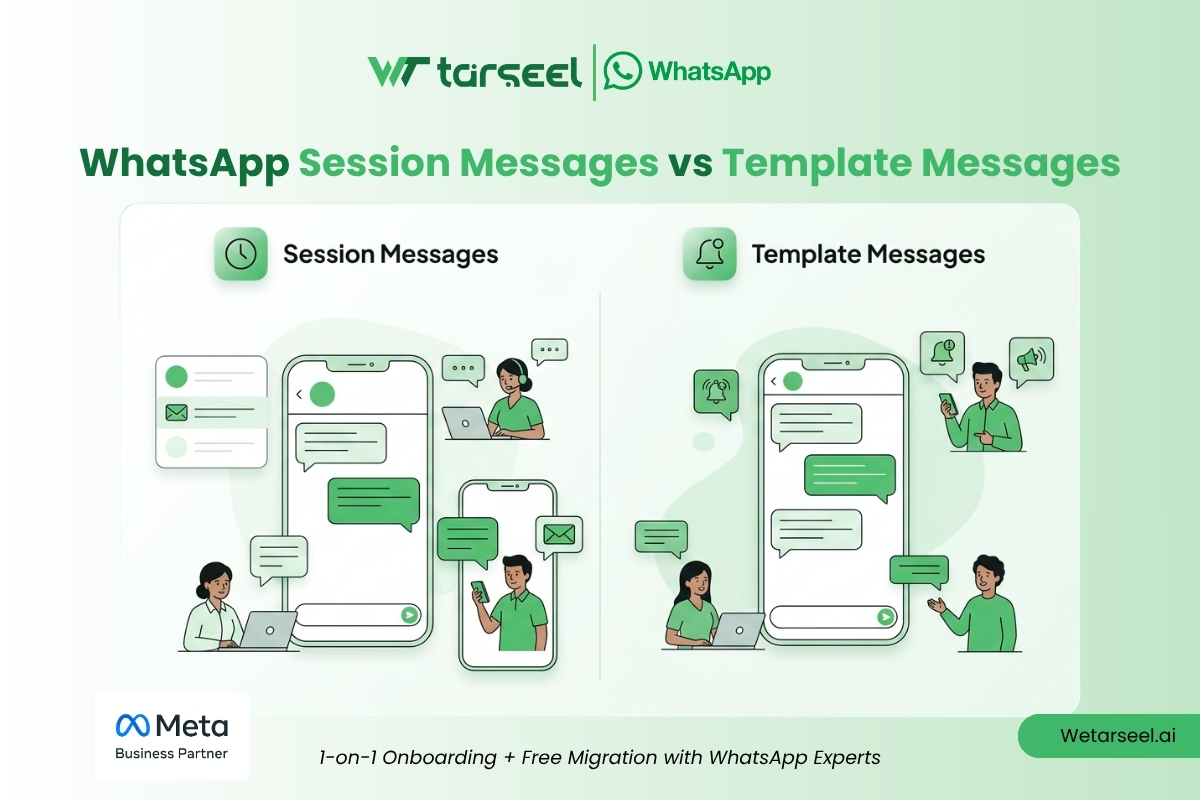
| Messaging Type | Conversation Initiator | Template Approval Required | Time Restriction |
|---|---|---|---|
| Session Messages | Customer | No | Within active 24-hour window |
| Template Messages | Business | Yes | Outside customer service window |
In practical terms:
Customers open sessions.
Businesses use templates to restart conversations.
Nearly every WhatsApp API workflow is built around this rule.
Why Businesses Commonly Misunderstand This
Many businesses approach WhatsApp as if it behaves like:
SMS
email
push notifications
But WhatsApp is fundamentally different.
Companies often attempt to send:
reminders
follow-ups
promotions
re-engagement campaigns
without realizing that outbound messaging restrictions apply outside the active customer service window.
The API then returns delivery or policy-related errors.
This confusion becomes especially common when businesses:
migrate from SMS systems
launch automation platforms
integrate CRMs
scale outbound messaging
Common Mistakes Businesses Make
1- Sending Free-Form Messages Outside the Session Window
This is the single most common WhatsApp API implementation mistake.
If the customer service window has expired, free-form messages cannot be delivered.
An approved template must be used instead.
2- Mixing Marketing Content Into Utility Templates
Businesses frequently attempt to combine transactional and promotional messaging.
For example:
“Your order has shipped — enjoy 25% off your next purchase.”
Meta may reject, recategorize, or limit templates that blur the line between utility and promotional messaging.
This can affect:
approval rates
template categorization
delivery performance
account quality signals
3- Overusing Marketing Templates
Even approved templates can negatively impact account quality if users:
ignore messages
block the business
report spam
WhatsApp actively monitors customer feedback signals to protect platform quality.
Poor messaging practices can lead to:
reduced messaging limits
lower quality ratings
restricted delivery
account enforcement actions
4- Poor Session Tracking
Many automation systems fail because they do not properly track:
webhook timestamps
customer replies
session expiration
conversation states
This often creates broken automation experiences and failed outbound messaging attempts.
How Billing Relates to Session and Template Messages
WhatsApp Business Platform pricing currently operates using a conversation-based billing model.
Pricing may vary depending on:
conversation category
region
message type
who initiated the conversation
For example:
utility conversations
marketing conversations
authentication conversations
may be billed differently depending on Meta’s current pricing structure.
Businesses that misunderstand conversation categories often overspend significantly on messaging operations.
Because Meta periodically updates pricing policies, businesses should always verify the latest pricing structure directly through official WhatsApp Business Platform documentation.
When Businesses Should Use Session Messages
Session messaging works best for:
1- Customer Support
Natural back-and-forth communication.
2- Live Sales Assistance
Helping users during active buying decisions.
3- Troubleshooting
Interactive issue resolution.
4- Conversational Commerce
Guiding customers through purchases in real time.
5- Human Agent Conversations
Personalized support experiences.
When Businesses Should Use Template Messages
Template messaging is essential for:
1- Appointment Reminders
Scheduled outbound notifications.
2- OTP Delivery
Authentication and verification workflows.
3- Shipping Updates
Transactional customer notifications.
4- Re-Engagement Campaigns
Restarting inactive conversations.
5- Promotional Campaigns
Marketing outreach and offers.
Best Practices for Businesses Using WhatsApp API
Build Around Customer Intent
WhatsApp performs best when communication feels:
relevant
contextual
permission-based
timely
Aggressive outbound messaging usually harms long-term engagement.
Monitor Session Expiration Carefully
Production-grade systems should actively track:
session windows
customer replies
webhook events
message states
This prevents failed delivery attempts and broken automations.
Separate Utility and Marketing Workflows
Businesses should avoid mixing:
transactional communication
promotional messaging
inside the same automation flow.
This improves:
template approval consistency
customer trust
delivery reliability
Prioritize Message Quality Over Volume
High-performing WhatsApp strategies usually focus on:
personalization
timing
behavioral triggers
conversational relevance
rather than mass outbound volume.
Why This Matters More Than Ever
Meta is increasingly investing in:
conversational commerce
AI-powered support
business automation
customer messaging ecosystems
At the same time, WhatsApp remains intentionally permission-based.
Businesses that respect WhatsApp’s communication model typically experience:
stronger engagement
healthier delivery rates
higher customer trust
better long-term scalability
Businesses that misuse the platform often struggle with:
spam complaints
template restrictions
declining quality ratings
delivery limitations
Understanding the difference between session messages and template messages is no longer optional for businesses using WhatsApp API.
It is foundational operational knowledge.
Final Thoughts
The difference between WhatsApp session messages and template messages may appear simple initially, but it affects nearly every part of a WhatsApp API implementation.
Everything depends on understanding how WhatsApp structures conversations.
Businesses that build around WhatsApp’s permission-based communication model generally create:
more reliable automation
better customer experiences
healthier messaging quality
scalable support systems
And in an ecosystem where trust directly affects deliverability, that difference matters significantly.