Sending the wrong type of WhatsApp message won’t just trigger an API delivery error—under Meta’s latest rules, it can quietly double your communication costs overnight.
Quick Summary
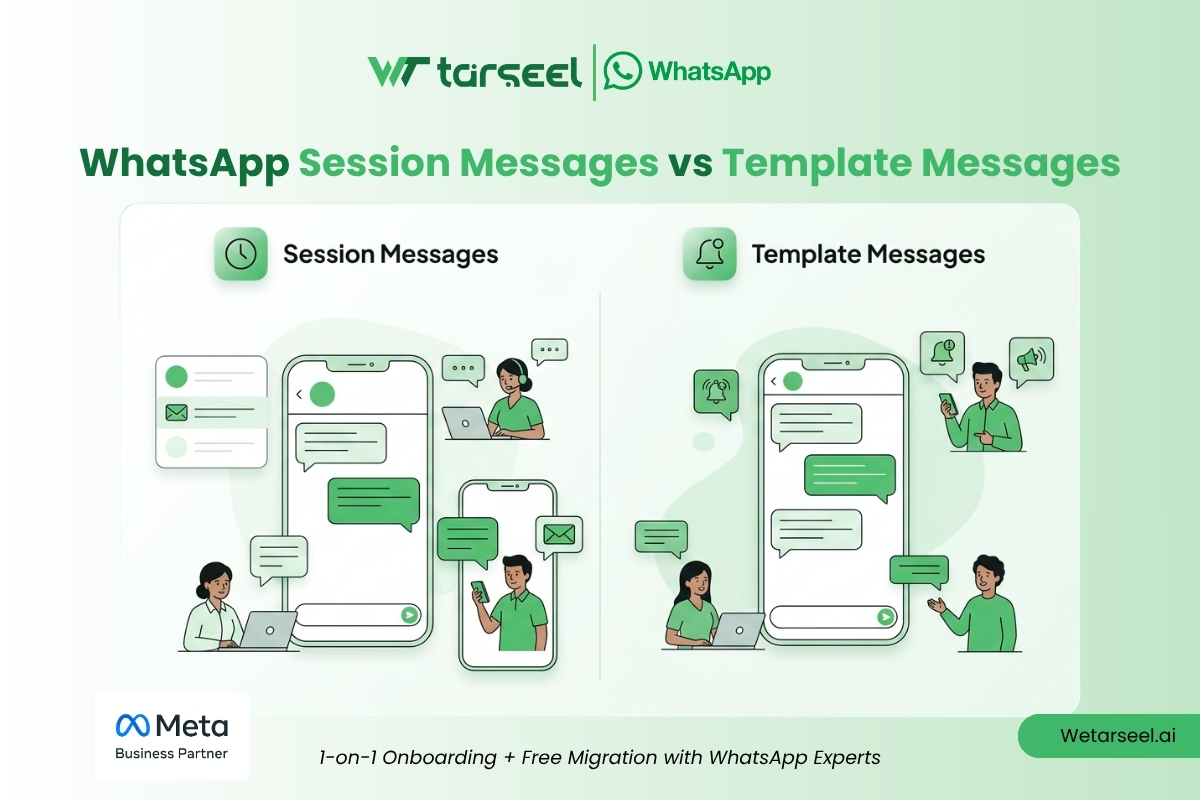
- Session Messages (Meta calls these Service Messages) are free-form texts, images, PDFs, or other media you send to a customer who has messaged you within the last 24 hours. No approval needed.
- Template Messages are pre-written, pre-approved message formats you must use to message a customer who hasn’t messaged you recently (or hasn’t messaged you at all).
- Meta charges a flat fee per template message delivered — not per conversation. The old “pay once per 24-hour conversation” model was retired on July 1, 2025.
- Customers open free sessions. Businesses need approved templates to reach out cold.
- As of October 1, 2026, “free-form” no longer means “free.” Session messages and in-window utility templates are now billed after a monthly free quota. For the full country-by-country breakdown, see our WhatsApp API Pricing guide for 2026./
Businesses integrating the WhatsApp Business Platform often encounter the same confusing issue:
“Why did one message deliver successfully while another fail completely?”
In almost every case, the root cause is a fundamental misunderstanding of the two distinct message types dictated by Meta: Session Messages (officially called Service Messages) and Template Messages.
This distinction isn’t a minor API quirk. It directly dictates your delivery success rates, your automation architecture, and—following Meta’s massive recent billing overhaul—your exact monthly API spend. Building WhatsApp workflows without mastering these mechanics leads to rejected templates, blocked numbers, dropped quality ratings, and unexpected API bills.
If you’re new to the WhatsApp Business Platform (also called the WhatsApp API), this guide explains exactly what you’re allowed to send, when, and what it costs, using the rules Meta has in place right now.
Why Do Some WhatsApp Messages Fail to Deliver?
If you’re used to sending SMS or email, WhatsApp will surprise you. Many businesses assume they can message any customer whenever they want, hit send, and it just goes through. Then they get a delivery error and no explanation.
Here’s why:
WhatsApp is a permission-based platform. To stop businesses from spamming people, Meta strictly controls when a business is allowed to start a conversation. Understanding the two message types below is the difference between a smooth WhatsApp setup and one that keeps silently failing.
→ Learn More “Why is My WhatsApp Getting Banned? The ’50-Message Trap'”
Why is My WhatsApp Getting Banned? The “50-Message Trap” For Pakistani Small Businesses
The Core Blueprint: How WhatsApp Handles Chats
Every interaction between your business and a customer on WhatsApp revolves around one clock: the 24-hour Customer Service Window (CSW).
| Message Type | Who Starts It | Approval Needed? | Cost | Used For |
|---|---|---|---|---|
| Session (Service) Messages | The customer | No | Free | Support, live chat, answering questions |
| Utility Templates | The business | Yes, pre-approved by Meta | Charged per message* | Order updates, shipping alerts, appointment reminders |
| Marketing Templates | The business | Yes, pre-approved by Meta | Always charged | Promotions, offers, re-engagement, broadcasts |
| Authentication Templates | The business | Yes, pre-approved by Meta | Charged per message | OTPs, login codes |
*Utility templates are currently free if sent while a CSW is already open — see the October 2026 update, this is one of the things changing.
1. Session (Service) Messages — The Free Tier
What it is: Any normal, free-form message you send to a customer who has messaged you first.
How it works:
- The moment a customer messages your business, a 24-hour countdown starts.
- During those 24 hours, your support agents or chatbot can reply with any text, image, video, or PDF — no Meta review, no pre-written script required.
- Every time the customer replies, the clock resets to zero, giving you another full day.
Example:
- Customer: “Hi, can you help me track my order?” → 24-hour window opens.
- You: “Sure! What’s your order number?”
- You: [sends a tracking link and receipt PDF]
- Customer replies again anytime in that window → clock resets, still free.
The financial picture: You get 1,000 free service messages per WhatsApp business phone number, per month. After that, each one is billed at the same rate as a utility message in that customer’s country. If you run more than one number, each number gets its own 1,000-message allowance, and it resets every month.
2. Template Messages — Approval Required, Always Billed
What it is: A pre-written message format you must use whenever you want to reach a customer outside that 24-hour window — or if they’ve never messaged you at all.
How it works: Meta reviews and approves your template’s wording in advance. Templates use placeholders like {{1}} and {{2}} so your system can automatically insert a name, date, or tracking number.
Templates fall into three billed categories:
Utility Templates
Strictly functional, expected updates: order confirmations, shipping notices, invoices, appointment reminders. These are billed every time they’re delivered — including inside an already-open service window.
Watch out: Meta scans these for promotional language. Slip in something like “Use code SAVE10” and Meta will reclassify the whole template as Marketing — instantly bumping your cost. Keep utility templates purely transactional.
Marketing Templates
Promotions, discount codes, product launches, “we miss you” campaigns. These are the most expensive category, they don’t get volume discounts no matter how many you send, and — importantly — they’re charged every single time, even if a free service window happens to be open.
Authentication Templates
Used only for OTPs and login verification. Meta requires a strict, text-only layout — no media, no emojis. Some markets carry a higher “authentication-international” rate if the OTP is sent to a number registered outside your business’s market — this list now covers 18 countries. Full list in our pricing guide.
How Pricing Actually Works (Right Now)
Meta retired conversation-based billing on July 1, 2025. Before that date, you paid one flat fee per 24-hour conversation window, no matter how many templates you sent inside it. Now:
- You’re billed per individual message delivered — not per window.
- The rate depends on the message category (Marketing costs more than Utility/Authentication) and the recipient’s country code — not your business’s location.
- Utility and Authentication templates get volume-tier discounts — the more you send in a month, the lower your per-message rate. Marketing templates and Service messages do not get this discount.
- You’re only charged when a message is successfully delivered — failed deliveries aren’t billed.
- If you go through a Business Solution Provider (BSP), your actual invoice will typically include the BSP’s own platform fee on top of Meta’s base rate.
For exact current rates by country — including Pakistan and UAE — see our full WhatsApp API Pricing guide.
Setting Up Your Automation Without Breaking the Rules
The single most common mistake: sending a free-form text automatically after a customer’s 24-hour window has already closed. WhatsApp will simply block it — the customer gets nothing, and you won’t know unless you check your delivery logs.
To avoid this, your system needs to:
- Log the last time the customer texted you. Add 24 hours to that timestamp — that’s your deadline.
- Check the clock before every automated send. Still within 24 hours? Send it as a free session message.
- Switch to a template automatically once the window closes. Pull the right pre-approved template, fill in the variables, and send that instead of a plain text.
→ Learn more “How to Connect WhatsApp Business API with n8n via Wetarseel”
How to Connect WhatsApp Business API with n8n via Wetarseel
The October 1, 2026 Pricing Update
Meta Business Agent (AI) platform launched
Meta Business Agent replies started being billed per token
Service messages & in-window utility templates started being billed per message
Stays Free
- ✓ The 72-hour Click-to-WhatsApp ad window remains free for message delivery
- ✓ The 24-hour service window itself still opens and resets the same way
- ✓ Your first 1,000 service messages per phone number, per month
Now Billed
- $ Session/Service messages beyond 1,000/month/number, billed at the utility rate, no volume discount
- $ Utility templates sent inside an open service window, no longer free, billed like any other utility template
Clarification: A non-template message doesn’t get double-charged even if it’s promotional. Unlike a Utility template, which can get reclassified as Marketing, a Service message is still billed only once, as a Service message.
How This Actually Hits Your Bill
Take a single customer conversation with five business messages sent in one hour — a real example straight from Meta’s own documentation:
| Period | What Gets Charged | Total Charges |
|---|---|---|
| As of July 1, 2026 | Only the marketing template | 1 charge |
| As of August 1, 2026 | Marketing template + 2 Meta Business Agent replies | 3 charges |
| As of October 1, 2026 | Marketing + 2 Agent replies + the service message + the utility template | 5 charges |
Same conversation, same five messages — the bill has now tripled compared to a few months ago.
What this means practically: if your cost-saving strategy leans on getting customers to message you first so your replies stay free, that strategy is now meaningfully more expensive — once you’re past 1,000 replies a month per number. A support team handling more than roughly 33 conversations a day, per number, will now see utility-rate charges on the overflow. Run your own numbers against the current per-country rates in our pricing guide before you finalize your budget.
Who Is Safe From This Change?
Not every business feels this equally. Here’s who is largely unaffected:
- Businesses running Click-to-WhatsApp ads on Facebook or Instagram. When a customer opens a chat by tapping one of these ads, Meta opens a 72-hour Free Entry Point window instead of the normal 24-hour one. This window is untouched by the October 1 update — replies inside it don’t count against your 1,000-message service quota at all, and marketing templates sent in it stay free too, as long as you reply within the first 24 hours.
- Low-volume support teams. If each of your WhatsApp numbers handles fewer than roughly 1,000 customer replies a month (about 33 a day), you’ll likely stay inside the free quota and see no change to your bill.
- Businesses that already run mostly on templates, not free-form replies. If your workflow was already built around utility and marketing templates rather than long free-form chat threads, the “utility inside CSW” change affects you, but the service-message change barely touches you.
Everyone else — especially teams running always-on support chatbots that reply to every message for free — should expect a new line item on their WhatsApp bill from this month onward.
Official source: Meta’s developer documentation — “Upcoming pricing updates for Meta Business Agent, service and utility messages”
Conclusion: Balancing Conversions with Compliance
Success on the WhatsApp Business Platform comes down to respecting the boundaries Meta puts in place to protect users. Treat WhatsApp like a bulk SMS tool, and you’ll run into template rejections, rising bills, and eventually a blocked account. Treat it like the permission-based channel it actually is, and it becomes one of the most cost-effective, high-engagement ways to reach customers.
The businesses that get the most out of WhatsApp aren’t the ones sending the most messages — they’re the ones who understand exactly which message type they’re sending, why, and what it costs before they hit send.
The Bottom Line
- Let customers open the conversation — their first message is what unlocks your free 24-hour window.
- Keep Utility templates strictly transactional, or Meta will reclassify — and reprice — them as Marketing.
- Build your automation to check the clock before every send, so nothing silently fails outside the window.
- Audit your message mix now that free service replies (beyond 1,000/month/number) and in-window utility templates are billed.
- If you run Click-to-WhatsApp ads, you’re largely shielded from this change — everyone else should check the full pricing breakdown and budget accordingly.
Get this right, and WhatsApp stops being a line item you dread, and starts being the channel that converts without draining your budget.
Frequently Asked Questions (FAQs)
-
Why did my message outside the 24-hour window fail to deliver?
Because WhatsApp blocks free-form business messages once the Customer Service Window closes. Send an approved template instead.
-
What's the difference between the old conversation-based fee and today's per-message fee?
The old model (retired July 1, 2025) charged one flat fee per 24-hour conversation, no matter how many templates you sent in it. Today, every template message delivered is billed individually.
-
Can I sneak a discount code into a Utility template?
No — Meta will detect it and reclassify the template as Marketing, which costs more.
-
How do I restart a conversation once a customer's window has closed?
Send an approved Utility, Marketing, or Authentication template. Once they reply to it, a new free 24-hour session window opens.
-
Will Session Messages always be free?
Only up to 1,000 per phone number, per month. Beyond that quota, they're billed at the utility rate. See our pricing guide for exact country rates.
-
Does the October 1 update affect Click-to-WhatsApp ad conversations?
No. The 72-hour Free Entry Point window from Facebook/Instagram ads stays fully free — this is one of the main groups unaffected by the update.