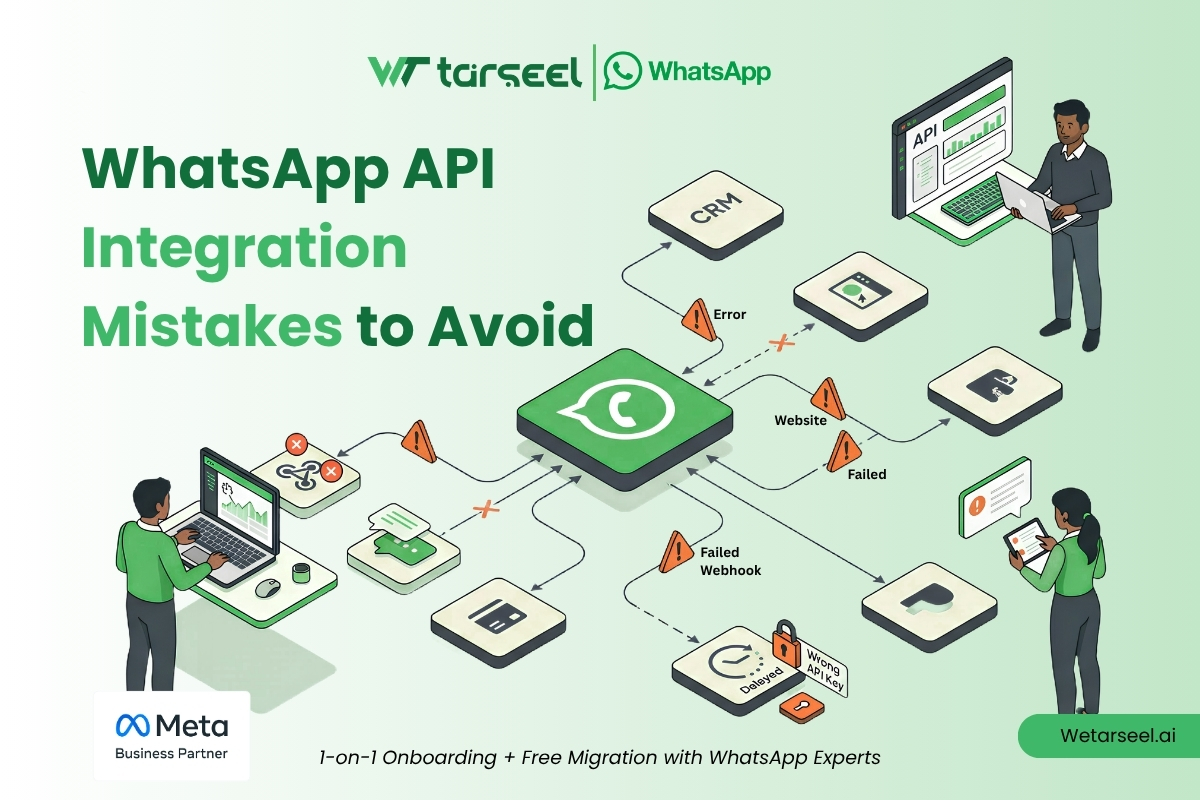
Quick Answer
The most common WhatsApp API integration mistakes include ignoring opt-in requirements, mismanaging the 24-hour customer service window, failing to monitor webhooks, using incorrect template categories, over-automating conversations, and neglecting error handling. These mistakes can lead to delivery failures, poor customer experiences, policy violations, and reduced messaging performance.
Ignoring Customer Opt-In Requirements
Can result in policy violations, customer complaints, and messaging restrictions.
Misunderstanding the 24-Hour Window
Messages sent outside the customer service window may fail if approved templates are not used.
Poor Webhook Management
Webhook failures can cause missed customer messages, status updates, and workflow disruptions.
Incorrect Template Usage
Using the wrong template category can lead to rejections, recategorization, or delivery issues.
Lack of Error Handling
Ignoring API errors can create broken automations, failed workflows, and communication gaps.
Over-Automation
Excessive automation may frustrate customers and reduce engagement quality.
Weak Data Synchronization
Poor CRM synchronization can create duplicate records and inaccurate reporting.
Ignoring Quality Metrics
Low-quality engagement signals can negatively affect messaging performance and account health.
Why Do WhatsApp API Integrations Fail?
Many businesses focus heavily on sending messages but spend less time designing reliable communication workflows.
A successful WhatsApp API implementation involves more than API connectivity.
Businesses must manage:
- compliance requirements
- customer experience
- automation logic
- webhook processing
- template management
- system monitoring
Most integration failures occur when one of these areas is overlooked.
What Are the Most Common WhatsApp API Integration Mistakes?
The majority of implementation issues fall into predictable categories.
Understanding these mistakes before deployment can save significant time, cost, and operational effort.
Mistake #1: Ignoring WhatsApp Opt-In Requirements
One of the most serious mistakes is sending messages without valid customer consent.
WhatsApp Business Platform policies require businesses to obtain appropriate opt-in before initiating conversations.
Customers should understand:
- who is contacting them
- what type of messages they will receive
- how they can opt out
Without proper consent, businesses risk:
- customer complaints
- quality rating issues
- messaging restrictions
How to Build a High-Converting WhatsApp Marketing Strategy in 2026
Mistake #2: Misunderstanding the 24-Hour Customer Service Window
WhatsApp’s messaging model differs significantly from email and SMS.
After a customer sends a message, businesses can respond freely during the active customer service window.
Once that window expires:
- free-form messages are no longer permitted
- approved templates are required for re-engagement
Many integrations fail because systems continue sending unrestricted messages after the session window closes.
WhatsApp Template Message Guide – Step-by-Step Tutorial
Mistake #3: Poor Webhook Configuration
Webhooks are essential for real-time communication between WhatsApp and business systems.
They deliver important events such as:
- incoming messages
- delivery confirmations
- read receipts
- message status updates
When webhook failures occur, businesses may miss critical customer interactions.
Common webhook issues include:
- incorrect endpoint configuration
- failed authentication
- server timeouts
- inadequate monitoring
Mistake #4: Using the Wrong Template Category
Template categorization is a common source of delivery and approval problems.
WhatsApp currently supports:
- Utility templates
- Marketing templates
- Authentication templates
Problems occur when businesses submit messages under the wrong category.
Example
Utility Template:
“Your order has shipped. Get 20% off your next purchase.”
This mixes transactional and promotional content and may trigger rejection or recategorization.
What is Template in WhatsApp (Marketing, Utility, Authentication)
Mistake #5: Failing to Handle API Errors Properly
No production integration should assume every API request will succeed.
WhatsApp API responses may include:
- validation errors
- authentication failures
- rate limit responses
- template issues
- delivery problems
Businesses that ignore error handling often experience:
- incomplete workflows
- failed automations
- customer communication gaps
Robust logging and monitoring are essential.
Mistake #6: Over-Automating Customer Conversations
Automation improves efficiency, but excessive automation can harm customer experience.
Customers become frustrated when:
- chatbots cannot solve their issue
- human assistance is difficult to reach
- responses feel repetitive or irrelevant
Effective implementations balance:
- automation
- human support
- escalation workflows
The goal is efficiency without sacrificing customer satisfaction.
Mistake #7: Ignoring Customer Data Synchronization
WhatsApp should not operate in isolation.
Customer interactions often need to sync with:
- CRM platforms
- support systems
- marketing tools
- analytics platforms
Poor synchronization creates:
- duplicate records
- inconsistent reporting
- fragmented customer experiences
Data quality should be treated as a core integration requirement.
Mistake #8: Not Monitoring Quality Ratings and Messaging Health
WhatsApp evaluates business messaging quality using customer feedback signals.
Negative indicators may include:
- blocks
- spam reports
- poor engagement
Ignoring messaging quality can impact:
- template performance
- messaging limits
- overall account health
Businesses should continuously review customer engagement metrics.
Mistake #9: Building Without a Scalability Plan
Many businesses design integrations for today’s message volume rather than future growth.
As messaging volume increases, businesses may encounter:
- throughput limitations
- workflow bottlenecks
- reporting challenges
- support management issues
Scalable architecture becomes increasingly important as WhatsApp adoption grows.
Mistake #10: Treating WhatsApp Like Email or SMS
Perhaps the most fundamental mistake is assuming WhatsApp behaves like traditional communication channels.
WhatsApp is designed around:
- permission-based communication
- conversational interactions
- customer expectations
- platform trust
Strategies that work for mass email campaigns often perform poorly on WhatsApp.
Businesses should design workflows specifically for conversational messaging.
How Can Businesses Avoid WhatsApp API Integration Problems?
Successful implementations typically follow several best practices.
1- Obtain and Manage Consent Properly
Ensure customers understand how and why they will receive messages.
2- Monitor Webhooks Continuously
Webhook reliability directly affects system accuracy and customer experience.
3- Build Strong Error Handling
Every integration should anticipate and manage failures gracefully.
4- Use Templates Correctly
Match message intent with the appropriate template category.
5- Prioritize Customer Experience
Technology should support meaningful customer interactions rather than replace them entirely.
Expert Insight: Most WhatsApp API Problems Are Operational, Not Technical
Many organizations assume API integrations fail because of coding issues.
In practice, most production problems originate from operational decisions.
Examples include:
- poor workflow design
- weak consent management
- inadequate monitoring
- incorrect template strategies
- disconnected customer data
The API itself is often functioning correctly.
The challenge is designing systems that align with WhatsApp’s communication model and business objectives.
Final Thoughts
Understanding the most common WhatsApp API integration mistakes is essential for building reliable messaging systems.
Businesses that focus on:
- compliance
- customer experience
- webhook reliability
- proper template usage
- error handling
- scalable architecture
are more likely to achieve successful long-term WhatsApp operations.
The most effective WhatsApp integrations are not simply connected systems—they are thoughtfully designed communication ecosystems that support both business goals and customer expectations.
Frequently Asked Questions (FAQs)
-
What is the biggest WhatsApp API integration mistake?
Ignoring customer consent requirements is among the highest-risk mistakes because it can affect compliance, messaging quality, and customer trust.
-
Why do WhatsApp messages fail after integration?
Common causes include expired customer service windows, template issues, invalid numbers, webhook failures, or API response errors.
-
Are webhooks required for WhatsApp API integrations?
For most real-time business workflows, webhooks are a critical component because they provide message and status updates.
-
Can automation harm WhatsApp performance?
Yes. Poorly designed automation can create frustrating customer experiences and reduce engagement quality. Automation should always support, not replace, effective communication.