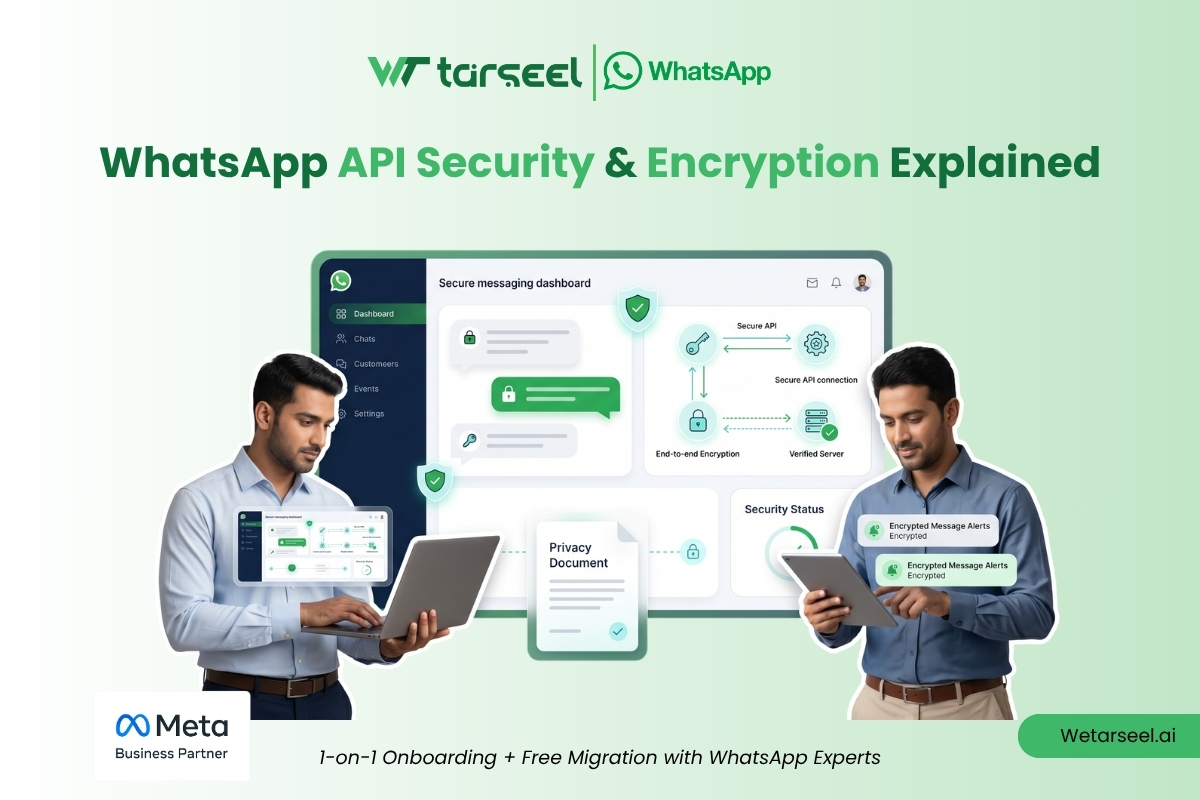
Quick Summary: Is the WhatsApp Business API Safe?
If you are a business owner worried about customer data privacy, here are the core facts regarding the WhatsApp Business Platform (Cloud API) security structure:
Zero Ad Targeting: Meta acts strictly as a Data Processor. They are contractually and legally barred from reading your business chats or using them to target Facebook/Instagram ads.
Continuous Scrambling: Every message is locked using the industry-standard Signal Protocol. The system automatically updates the “digital lock” with every single message sent, isolating data from hackers.
30-Day Purge Rule: Meta does not store your chat histories indefinitely. Messages are kept temporarily on their servers for a maximum of 30 days solely to handle delivery retransmissions, then they are permanently wiped from the API queue.
Enterprise Compliance: The underlying infrastructure is globally verified with SOC 2 (Type II) certification and fully aligned with strict GDPR privacy mandates.
Your Responsibility: While the communication pipeline is entirely secure, your business is responsible for choosing a trusted, secure CRM software to read and manage the final messages.
When you scale up your customer service, marketing, or automation using the WhatsApp Business Platform (Cloud API), you are moving away from standard personal phones and handling customer data on an enterprise scale.
For business owners, data privacy isn’t just a technical feature—it’s the foundation of customer trust and a strict legal requirement. This guide breaks down exactly how WhatsApp keeps your business communications secure, what happens to your customer data, and how to protect your brand—completely free of overly complex tech jargon.
1. The Core Protection: How Your Messages Are Locked
Every single message, photo, or document sent between your customers and the WhatsApp network is scrambled using the Signal Protocol, which is widely considered the gold standard for digital privacy.
Think of it like a highly sophisticated armored car network:
Continuous Key Rotation: WhatsApp doesn’t just use one password to protect a chat. It automatically changes the “digital lock” with every single message.
Self-Healing Security: If an attacker somehow managed to crack the code for a single text message, that broken lock won’t let them view past conversations or future replies. The system fixes its own security automatically.
2. The Cloud API: Can Meta See My Customer Chats?
A very common myth among business owners is that using a platform hosted by Meta means Meta is reading customer chats to build advertising profiles.
This is entirely false. Legally and structurally, Meta handles WhatsApp Business API data differently than consumer apps:
Meta as a “Data Processor”: In legal terms, you own the data. Meta simply provides the pipes to move it. They are contractually barred from looking at your customer conversations or using them to target Facebook or Instagram ads.
Automatic 30-Day Purge: Meta’s servers do not save your message histories forever. Messages and uploaded media files are kept temporarily (for a maximum of 30 days) just to ensure they safely arrive on your customers’ phones if they happen to lose internet connection. Once delivered, they are completely wiped from Meta’s cloud transit queue.
[Customer Phone] <======= Fully Scrambled =======> [Meta Cloud API] ------> [Your CRM / Software]
                                                    (Secure Delivery)       (Protected Connection)
3. The Structural Shift: Why the Cloud API is Safer for Your Business
When the WhatsApp Business API was first launched, businesses had to deploy a complex software setup (using Docker containers) on their own company servers or utilize a third-party host. This legacy setup was called the On-Premises API.
Meta has officially phased out and deprecated the On-Premises API, moving all global enterprises to the WhatsApp Cloud API. This is a massive security upgrade for business owners:
Elimination of Server Vulnerabilities: Your company no longer needs to host, patch, or maintain physical servers or databases to route messages. This eliminates the risk of an external hacker exploiting an outdated server database on your company’s network.
Direct Infrastructure Security: By hosting the API directly within Meta’s own redundant data centers, your business inherits billions of dollars worth of physical and digital security protocols, guaranteeing automated scaling, zero data leakages in transit, and continuous platform uptime.
Related Resource: Ready to move away from limited personal apps? Read our full WhatsApp API Setup Guide for a step-by-step walkthrough on setting up your verified business account.
How to Apply for WhatsApp Business API: A Step-by-Step Guide
4. Operational Guardrails: The 24-Hour Window & Message Templates
To protect users from spam and phishing, Meta enforces strict guardrails that control exactly how and when your business can exchange data with a user.
Deep Dive:
WhatsApp Session Messages vs Template Messages: 2026 Pricing Guide
The 24-Hour Customer Service Window
When a customer sends a message to your business, a strict 24-hour conversation window opens. Within this window, your team or AI chatbots can converse freely using standard text and media replies. Once those 24 hours expire, your business is instantly blocked from sending casual text messages to that user.
Pre-Approved Message Templates
To re-engage a customer after the 24-hour window closes, you cannot type out a manual message. You must use a pre-approved Message Template (categorized strictly as Utility, Authentication, or Marketing).
Every single template must be submitted to Meta beforehand to be evaluated by automated systems. This protocol serves a critical security purpose: it programmatically prevents businesses from sending unvetted malicious links, unauthorized tracking elements, or abusive text to end-users.
5. Trust and Fraud Prevention: The “Green Tick” Identity Layer
On the consumer version of WhatsApp, anyone can upload a business logo, set a company name, and pretend to be your brand. This leads to severe brand-imitation and phishing risks.
The WhatsApp Business API solves this identity crisis through the Official Business Account (OBA) verification process, commonly known as the Green Tick.
Meta Portfolio Verification: Before you can scale up your messaging limits, your business must upload official documentation (business registration certificates, utility bills, or commercial licenses) directly to the Meta Business Suite to prove your legal entity exists.
Immutable Display Names: Once Meta verifies your profile and grants the Green Tick, your business name is locked to that phone number. Even if a customer hasn’t saved your business number in their contact list, your verified business name and a green checkmark badge will automatically display. This completely shields your customers from identity fraud and lookalike brand scams.
How to Apply for Blue Tick in WhatsApp Business Platform: The Ultimate 2025 Guide
6. Certifications That Protect Your Brand
If your business handles sensitive information—like booking details, customer addresses, or retail financial inquiries—you are legally responsible for choosing secure vendors. The WhatsApp Cloud API platform carries top-tier enterprise compliance credentials:
SOC 2 Certified: This means independent external auditors regularly check Meta’s messaging systems to prove they are entirely secure, available, and maintain structural processing integrity.
CSA STAR Registered: Documented via the Cloud Security Alliance to guarantee transparent, audited cloud governance.
GDPR Alignment: Because Meta functions strictly as a Data Processor, they provide the localized data handling controls required for your business to sign a formal Data Processing Addendum (DPA), ensuring compliance with international privacy mandates.
7. Your Part of the Job: The Shared Security Model
While Meta ensures that messages cannot be intercepted while traveling through the air, your business is entirely responsible for securing the final destination—meaning the software, CRM, or team inbox where your staff reads and replies to those messages.
To keep your deployment bulletproof, ensure your internal team or selected software provider (Business Solution Provider) strictly adheres to these best practices:
1. Control Internal Team Access
Do not share a single master password among your customer service team. Utilize a reputable CRM or messaging portal that assigns individual, tracked user accounts to each employee, and enforce Two-Factor Authentication (2FA) across the board.
2. Zero Hardcoding of API Secrets
When you register a WhatsApp Business Account (WABA), Meta generates long-lived “System User Access Tokens” and “App Secrets.” These are the digital master keys to your communication channel. They must never be hardcoded into standard website files or shared via internal company chats. Store them exclusively in secure variable vaults like AWS Secrets Manager or HashiCorp Vault.
3. Implement Webhook Signature Verification
When WhatsApp receives a message from a customer, it forwards that data to your server via a URL link called a webhook. To prevent a malicious attacker from flooding your system with fake messages, your software developer or platform provider must enforce Webhook Signature Verification. Your server must analyze the incoming X-Hub-Signature-256 HTTP header, validate it using your secret security key, and verify that the payload originated directly from Meta before processing it.
Learn More: If you are connecting your messaging infrastructure to external sales tools, protect your configurations by following our expert overview on How to Connect WhatsApp API With Your CRM.
How to Connect WhatsApp API With Your CRM: Complete Guide for Businesses
FAQs
-
Are messages safe in transit?
Yes. Scrambled instantly using industry-standard Signal Protocol locks before they leave the device.
-
Does Meta use my chats for ads?
No. Meta is legally a "Data Processor" and cannot use message content or metadata for advertising profiles.
-
How long does Meta keep data?
Messages are permanently wiped from Meta's transit queues within 30 days of delivery.
-
What happened to server hosting?
Legacy self-hosted servers are sunsetted. Meta handles all infrastructure directly on the secure Cloud API.
-
How is fraud prevented?
Strict business verification grants a locked "Green Tick" display identity to stop lookalike scams.
-
What is my primary security risk?
Leakage of API Access Tokens or weak password policies on your internal customer service CRM inbox.