
The basics
What is the WhatsApp Business API for Resturants?
It is the business version of WhatsApp that connects to your software.
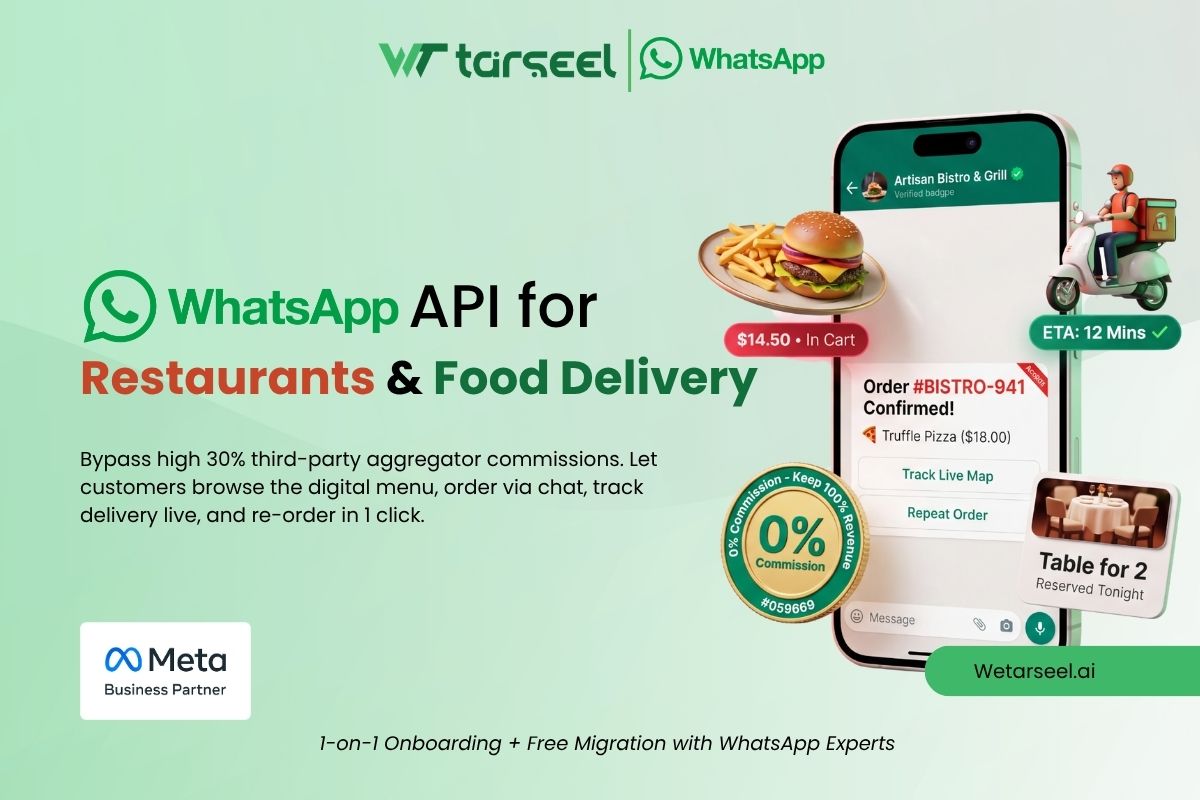
It lets a restaurant share menus, take orders, send delivery updates, and book tables. A bot can reply fast, and many staff can use one number. Meta charges per message, and customers must opt in first.
Why resturants use it
✓ Every customer already uses WhatsApp. No app to download.
✓ Replies are instant, so fewer missed calls.
✓ Reminders and updates go out on their own.
✓ Regular follow-ups bring customers back.
"Hungry customers do not wait. If your phone rings while the kitchen is busy, you lose the order."
Why it matters
Why Car Garages Need WhatsApp API?
Garages deal with dozens of daily customer interactions: calls, updates, quotations, and reminders. Doing all of this manually takes time, and it's easy to miss something. Here's why WhatsApp API helps:
📱
Every customer already uses WhatsApp
No app downloads needed.
⚡
Faster communication
Replies are instant, reducing missed calls.
⏱️
Automation saves time
Confirmations, updates, and reminders run automatically.
⭐
Professional image
Customers see your garage as modern and reliable.
🔁
Builds loyalty
Regular follow-ups bring customers back for future services.
Use cases
7 ways restaurants and food delivery businesses use WhatsApp API
01
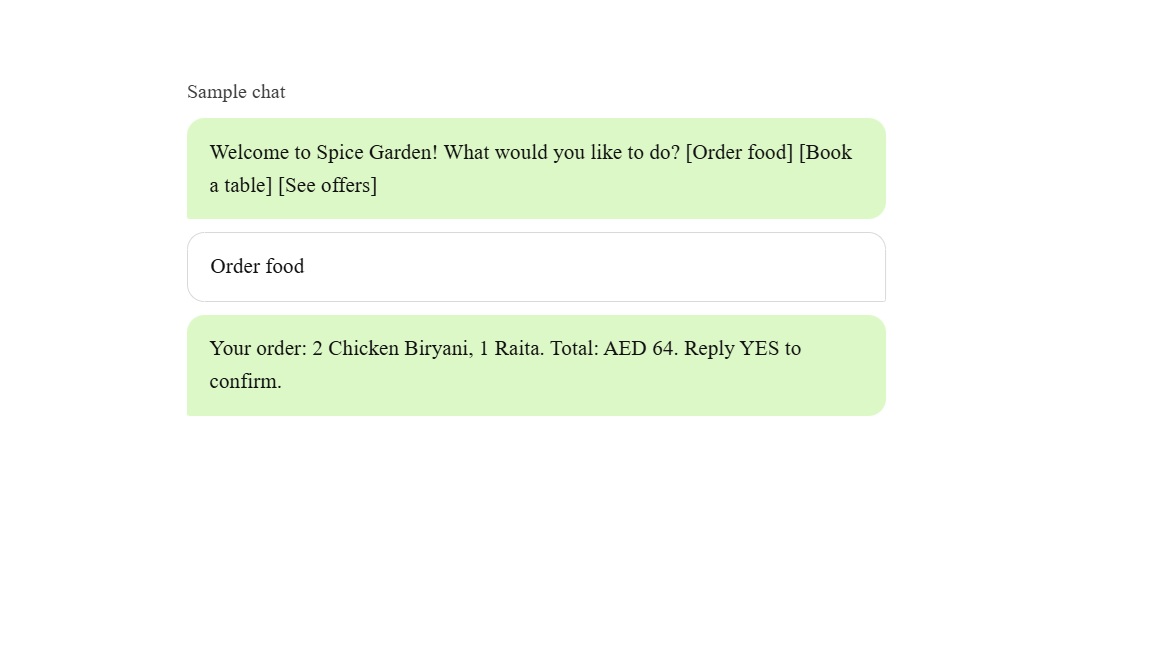
Share your menu and take orders in chat
Customers should not have to scroll through a long PDF. Show the menu inside the chat instead.Meta's interactive messages help here.
A list message can show up to 10 options. Reply buttons give up to 3 choices. A multi-product message can show up to 30 items from your catalog.
Tip: split your menu into small groups, like burgers, drinks, and desserts. Each group then fits in one list.
02
Collect the delivery address without mistakes
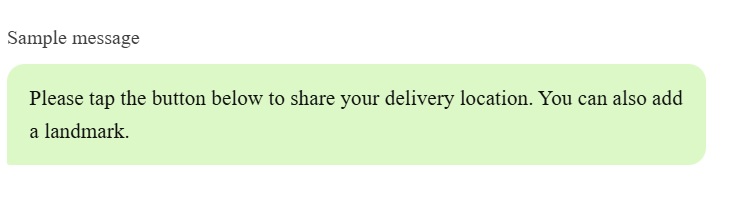
Wrong addresses cause late and failed deliveries. So ask for the address in a clear way.You can send a location request message. The customer taps one button to share their location.
For more detail, use a WhatsApp Flow. It is a short form inside the chat. It can ask for name, street, landmark, and delivery notes.
03
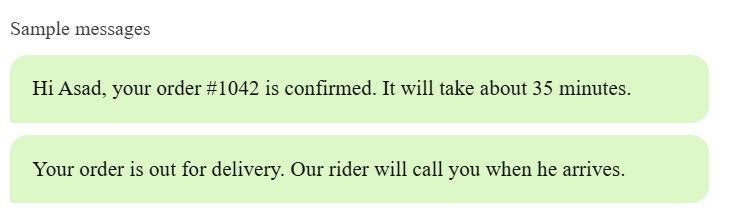
Send order and delivery updates
"Where is my food?" is the most common question. Answer it before the customer asks.Send short updates at key steps: order confirmed, out for delivery, and delivered.
These are usually utility templates. Meta must approve each template before you use it.
Cost note: since October 1, 2026, utility templates are charged even inside the 24-hour window. So send the updates that matter most.
04
Book tables and send reminders
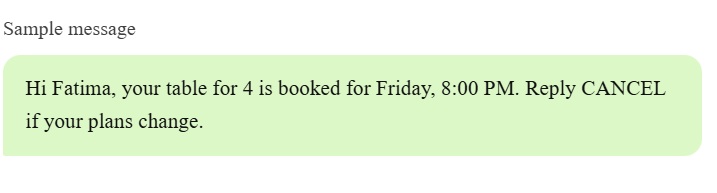
Phone bookings are easy to miss when the floor is busy. Let guests book in chat instead.
Meta's own guide gives an example of a list message that shows open time slots. A Flow can add a date picker and guest count. Then send a reminder before the booking.
05
Answer questions and fix problems fast
Most questions repeat. Opening hours, location, and menu items come up every day. A chatbot can answer these in seconds.
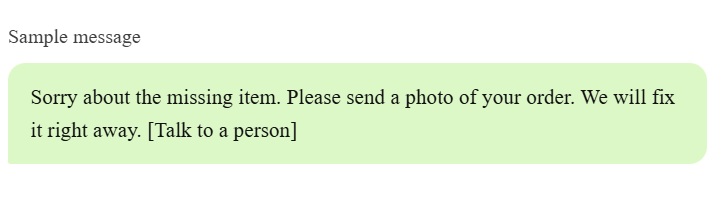
For problems like a missing item or a late order, add a "Talk to a person" button. Your staff then take over the same chat.
You can use AI for this.
Meta banned general-purpose AI assistants from the API on January 15, 2026. But Meta confirmed that businesses using AI to serve their own customers are not affected.
It's simple and improves your online reputation.
06
Send offers and win repeat orders
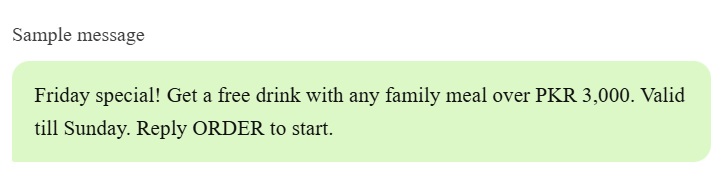
Regular customers are your best customers. Remind them with an offer at the right time, like lunch or Friday night.Offers are marketing templates.
Send them only to people who opted in. Marketing messages are charged per message, and the rate depends on the country. So send to the right group, not to everyone.
Ads can be free to answer. If a customer taps a "Click to WhatsApp" ad and you reply within 24 hours, Meta opens a free window. It can stay open for up to 7 days. Marketing, utility, and service messages are free during it.
It's simple and improves your online reputation.
07
Ask for feedback after the meal
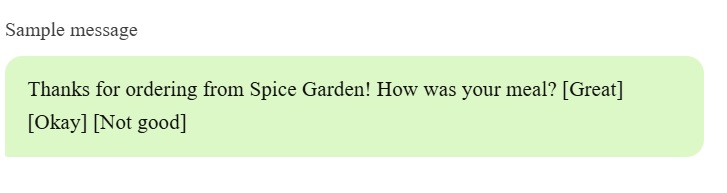
A short rating message works better than a long form. Ask a day after delivery or after dine-in.Use three reply buttons. If the answer is good, share your review link. If it is bad, tell your manager at once.
In 5 steps
How to get started
From signing up to sending your first booking confirmation, most garages are live in a few days.
01
Pick an official provider
WhatsApp API access comes through a Meta-authorized provider like Wetarseel.
02
Verify your business
You need a Meta Business account, your business documents, and a WhatsApp number for your resturant.
03
Add your menu
Set up your catalog, or write your menu as lists and buttons.
04
Create template and flow
Start with order updates, table reminders, and one offer.
05
Train your team
Decide who takes over a chat, and how fast they should reply.
FAQ
Frequently Asked Questions
Everything garage owners usually ask before getting started with WhatsApp API. Can't find your answer? Talk to our team.
Contact us
What is WhatsApp API for restaurants?
It is the business version of WhatsApp that connects to your software. A restaurant can share menus, take orders, send delivery updates, and book tables. Bots can reply fast, and many staff can use one number.
Can customers order food on WhatsApp?
Yes. You can show your menu as a list of up to 10 options, use up to 3 reply buttons, or share up to 30 catalog items in one message. The customer then confirms the order. You can send a payment link or take cash on delivery.
Can customers message me anytime?
Yes. When a customer messages first, you can reply freely for 24 hours. To message first, or after that window closes, you need a pre-approved template.
How much does WhatsApp API cost?
Cost depends on your provider's plan, plus Meta's per-message fees for template messages, which vary by country and message type. See Wetarseel pricing for a clear breakdown.
Which provider should I choose?
Choose an official Meta-authorized provider with CRM integration, ready-made templates, a shared team inbox, and clear pricing. Wetarseel offers all of these.
Is the WhatsApp Business app enough for my restaurant?
It can be, if one person answers chats by hand. You need the API for bots, many agents on one number, CRM connections, and approved template campaigns.
Can I use an AI chatbot on WhatsApp?
Yes, for your own customer service, like menu questions, bookings, and order help. Since January 15, 2026, Meta bans general-purpose AI assistants from the API, but it said businesses using AI to serve their own customers are not affected.
Do I need technical skills?
Not much. Verification, template approval, and system connection are needed, but a good provider guides you through each step with a simple dashboard.
Will WhatsApp replace delivery apps?
Not fully. Delivery apps can bring new customers. WhatsApp helps you keep your own customers and get repeat orders without app commission.