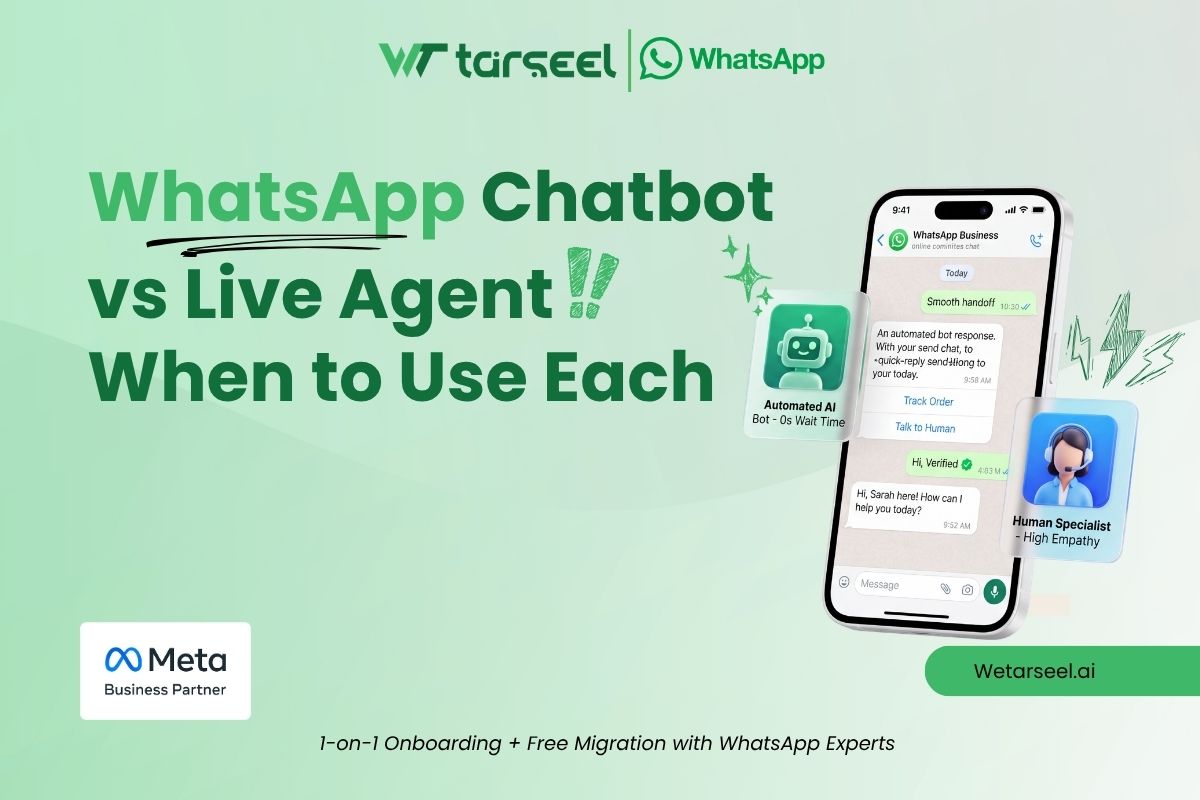
WhatsApp chatbot vs live agent is not a fight you need to win.
In a 2026 Gartner survey, 87% of customers said that when a company uses GenAI for service, it is essential to offer a way to reach a human agent. At the same time, 50% said their interactions are easier when companies use GenAI.
Customers want both. They want speed, and they want a person when it matters.
This guide shows you where each one fits. It also covers a WhatsApp pricing change that starts today and affects this choice.
Quick Answer
Use a WhatsApp chatbot for simple, repeated, low-risk questions. Use a live agent for complex, emotional, or high-risk ones. For most businesses, the best setup is both: the bot handles the first step, and a person takes over when needed.
- Chatbot: order status, FAQs, lead capture, bookings, after-hours replies.
- Live agent: complaints, refunds, negotiations, sensitive topics, and anyone who asks for a person.
- Hybrid: the bot collects details, then hands over with the full chat attached.
Let the bot do the repeating. Let people do the thinking.
Table of Contents
Definitions
What is a WhatsApp chatbot?
A WhatsApp chatbot is software that replies to customers automatically on WhatsApp. There are two main types:
- Rule-based bots follow a script of buttons, menus, and keywords.
- AI bots read free-form messages and reply in natural language.
One industry guide puts the gap simply: a rule-based chatbot follows a script, while an AI agent understands language, checks real-time data, and decides in context. jestor
What is a live agent?
A live agent is a real person who replies in your WhatsApp inbox. Most teams use a shared inbox so many agents can work from one business number.
Comparison
WhatsApp chatbot vs live agent at a glance: use a chatbot for fast, repeated questions and a live agent for complex or emotional ones.
| Factor | WhatsApp Chatbot | Live Agent |
|---|---|---|
| Availability | WhatsApp ChatbotStronger: 24/7 | Live AgentLimited to working hours |
| Speed | WhatsApp ChatbotStronger: Instant | Live AgentDepends on queue and staff |
| Best for | WhatsApp ChatbotSimple, repeated questions | Live AgentComplex or emotional issues |
| Many chats at once | WhatsApp ChatbotStronger: Yes | Live AgentLimited by team size |
| Empathy and judgment | WhatsApp ChatbotLimited | Live AgentStronger: Strong |
| Cost to scale | WhatsApp ChatbotStronger: Low per extra chat | Live AgentGrows with each hire |
| Main risk | WhatsApp ChatbotWrong or unhelpful answers | Live AgentSlow replies in busy periods |
| Setup | WhatsApp ChatbotFlow design and testing | Live AgentHiring and training |
- Green: chatbot is stronger
- Purple: live agent is stronger
- No shading: depends on your use case
Bottom line: Let the bot handle simple, repeated questions. Hand over to a live agent when a chat is complex, emotional, or high-risk. Most businesses need both.
When to Use a WhatsApp Chatbot
Use a bot when the question is easy to predict and the answer rarely changes.
- FAQs. Pricing, delivery times, return policy, store hours. If agents type the same answer all week, automate it.
- Order tracking. The customer sends an order ID. The bot looks it up and replies.
- Lead capture. The bot asks for name, email, and need. It tags the lead so sales sees the serious ones first.
- Bookings and reminders. Clinics, salons, and service centers can confirm slots automatically.
- After-hours coverage. The bot answers at 2 a.m. and collects details for the morning team.
- Ad replies. When someone taps a Click-to-WhatsApp ad, a bot can greet them right away.
Rule of thumb: If one written answer can serve a thousand customers, use a bot.
When to Use a Live Agent
Use a person when a mistake is costly or the customer needs to feel heard.
- Complaints and upset customers. A scripted reply can make things worse.
- Refunds, disputes, and exceptions. Someone must make a judgment call.
- High-value sales. Buyers of cars, property, or large orders often want advice and a real conversation.
- Sensitive topics. Health, money, and legal questions need care and accuracy.
- Unclear questions. If a request does not fit a menu, a bot may loop. A person can ask the right follow-up.
- Anyone who asks for a human. Always honor it. Gartner’s analyst advises that GenAI should not be a mandatory first step for every issue, because customers forced through several failed AI attempts are less likely to use it again. destinationcrm
Two Real Examples
Klarna: AI handled the volume, then the company added humans back
In February 2024, Klarna said its AI assistant handled 2.3 million conversations in its first month, covering two-thirds of chats and equal to 700 full-time agents. designrush
Later, the CEO told Bloomberg that chatbots were cheaper than human staff but gave lower quality, so the company started recruiting human agents again. According to reporting in 2025, the chatbot still handled about two-thirds of inquiries. Entrepreneurcustomerexperiencedive
The takeaway: automation can carry a large share of routine chats, but a human option remained part of the plan.
Air Canada: a business answers for its bot
An Air Canada website chatbot told a customer he could claim a bereavement fare after travel. The airline’s own policy page said refunds were not allowed for travel that had already happened. foxbusiness
In February 2024, a Canadian tribunal ruled for the customer. It rejected the argument that the airline was not responsible for its chatbot and awarded C$812.02 in damages and fees. The tribunal found the airline did not take reasonable care to make sure the chatbot was accurate. mobilesyrupitwire
This was a website bot, not WhatsApp. The lesson still applies: keep bots away from sensitive policy decisions.
Customers also notice weak bots. In a Verint survey reported by Customer Experience Dive, more than two-thirds of customers had a bad chatbot experience, and the top complaint was that the bot could not answer their questions. customerexperiencedive
The Hybrid Model: Best of Both
Strong WhatsApp support follows one pattern:
- The bot greets the customer and finds out the need.
- It answers if the question is simple.
- If not, it hands over to a person with details attached.
- The agent solves the issue.
Set clear escalation triggers
- The customer types “agent,” “human,” or “help.”
- The bot fails to understand twice in a row.
- The message sounds angry or urgent.
- The topic is refunds, payments, medical, or legal.
- A high-value lead is ready for sales.
A common guide recommends that you set clear escalation rules or use AI sentiment detection, and train agents to pick up where the bot stopped. jotform
Pass the context
When the bot hands over, the agent should already see the full chat and the details the bot collected. Customers should not have to start again.
Build it without code
A visual WhatsApp chatbot flow builder lets you drag and drop messages, buttons, and menus, add branching rules, and send chats to a human team inbox. See how triggers, lead capture, order tracking, and agent handover fit in one flow.
Pricing and the 24-Hour Window
The 24-hour customer service window
When a customer messages your business, a 24-hour window opens. The window closes 24 hours after the user’s last message, and then only template messages can be sent. facebook
Only a new customer message restarts the clock. Your replies, from a bot or a person, do not. So if your team is slow, the window can close before a human replies. Then your agent needs an approved template to reach out.
New from October 1, 2026: service replies are billed
Under Meta’s updated pricing, each business phone number gets a shared free tier of 1,000 delivered service messages per month, with no rollover. After that, service messages are charged at the same per-message rate as utility and authentication in each market. facebook360dialog
What stays free:
- Messages your customers send you.
- Reaction messages. facebook
- Replies inside the 72-hour free entry point window. It opens when a user messages you from a Click to WhatsApp ad or Facebook Page button on the Android or iOS app and you reply within 24 hours. facebook
- Service messages for eligible governments and non-profits. facebook
What this means for bot vs agent
The rule covers both. It applies to free-form replies sent by human agents or chatbots. A bot reply and a human reply cost the same on Meta’s side. Your software provider may charge its own fees too, so check your plan. vinnews
So the cost gap is mostly labor. Also, from Meta’s per-message rule, a bot that sends five short messages instead of one adds up. One report notes that combining answers into fewer, longer messages can lower the bill. vinnews
Example: One number sends 3,000 service replies in a month. The first 1,000 are free. The other 2,000 are charged at the rate for each customer’s country. Check Meta’s rate card for exact prices.
Action step: Meta said accounts without a payment method on file by September 30 risk blocked service deliveries once billing starts. Check yours. vinnews
Policy note on AI
Since January 15, 2026, general-purpose AI chatbots are not allowed on the WhatsApp Business Solution, but businesses using AI to improve customer service in their own chats are not affected. Keep your AI bot limited to your business tasks, such as support and account servicing bots that resolve questions and escalate to humans. thedailystarvisitoai
A Simple 5-Question Test
For each type of request, ask:
- Is the answer always the same?
- Is it asked often?
- Is a wrong answer low-risk?
- Can the customer finish with buttons or short input?
- Is the customer likely to be calm?
- 4–5 yes: Use a chatbot.
- 2–3 yes: Bot first, with an easy route to a person.
- 0–1 yes: Send it to a live agent.
NOTE: This is a practical rule of thumb, not a published standard.
Which one should answer? Find your scenario below to see whether a WhatsApp chatbot or a live agent fits best.
| Scenario | Best choice |
|---|---|
| “Where is my order?” | Chatbot |
| Opening hours | Chatbot |
| New lead from an ad | Bot first, then agent |
| Book a demo | Chatbot |
| Damaged item | Live agent |
| Refund outside policy | Live agent |
| Large-order negotiation | Live agent |
| Medical or legal question | Live agent |
| “I want a human” | Live agent |
Simple rule: if one written answer can serve many customers, use a chatbot. If the issue is emotional, costly, or needs judgment, use a live agent. Always honor a request for a human.
Common Mistakes
- Hiding the human option. Make it easy to find.
- Letting the bot guess. When unsure, hand over.
- Letting AI wander. Limit it to your business topics.
- Skipping agent training. Agents should never restart a chat the bot already began.
- Never reviewing chats. Read real conversations weekly.
How to Measure Results
Track first response time, resolution rate, escalation rate, and repeat contacts. One write-up advises tracking how often customers return with the same issue, how often AI chats escalate, and which questions still need humans. If many chats escalate on one topic, fix the bot’s answer or route that topic to people.
Frequently Asked Questions (FAQs)
-
Is a WhatsApp chatbot better than a live agent?
Neither wins every time. Chatbots suit fast, repeated, low-risk questions. Live agents suit complex, emotional, or high-risk ones. Most businesses use both.
-
Can a chatbot fully replace live agents on WhatsApp?
Not safely. Gartner's 2026 survey found 87% of customers say a human option is essential when AI is used. Bots reduce workload but should not block access to people.
-
How does a bot hand over to a live agent?
You set a trigger, such as a keyword, a failed answer, or a button. The chat then moves to your team inbox with the history attached.
-
Does WhatsApp charge for chatbot replies?
From October 1, 2026, service replies in the 24-hour window are charged after 1,000 free per business phone number each month. Human and bot replies are treated the same.
-
What is the WhatsApp 24-hour customer service window?
It is a 24-hour period that starts when a customer messages you. You can send free-form replies during it. After it ends, you can only send approved templates.
-
Are AI chatbots allowed on the WhatsApp Business API?
Yes, when they serve your own business, such as support or sales. General-purpose AI assistants have been banned since January 15, 2026.
Final Thoughts
The best WhatsApp setup is a chatbot that knows its limits and a team ready to step in. Start small:
- List your top 10 customer questions.
- Automate the 5 easiest.
- Set handover rules for the rest.
- Review chats weekly and improve.
Ready to build it? Explore WeTarseel’s flow builder to design flows visually, capture leads, and hand over to human agents when it counts.