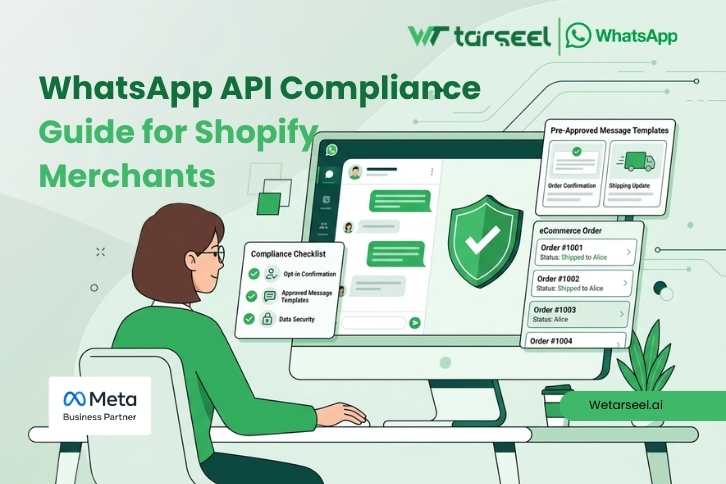
if you are using WhatsApp Business API to send order updates, COD confirmations, or promotions from your Shopify store, you must follow Meta’s official rules.
These rules are not optional. If you break them, your number can be restricted, your message delivery can drop, or your account can be removed.
The good news? Compliance is simple — if you understand exactly what WhatsApp requires.
Table of Contents
What Is WhatsApp API Compliance for Shopify Merchants?
WhatsApp API compliance means following the official rules set in the WhatsApp Business Messaging Policy, Commerce Policy, and Business Terms of Service.
If you use WhatsApp API with Shopify, you are considered a business sender. That means:
You must have customer consent before messaging.
You must use approved templates for automated messages.
You must respect the 24-hour messaging window.
You must sell only allowed products.
You must maintain message quality.
These requirements are clearly stated in the official WhatsApp Business Messaging Policy.
Why WhatsApp API Compliance Is Critical for Shopify Stores?
Unlike email marketing, WhatsApp has strict quality enforcement.
Reasons:
WhatsApp is a private messaging platform.
User experience protection is priority.
Spam is aggressively controlled.
This is why compliance is stricter than many other channels.
1. Opt-In Rules (Most Important Part of WhatsApp API Compliance Guide for Shopify Merchants)

According to official Meta developer documentation:
Businesses must obtain explicit opt-in permission before sending proactive WhatsApp messages.
This means:
The customer must clearly agree to receive WhatsApp messages.
You cannot assume consent because they placed an order.
You cannot import random phone numbers and message them.
You must explain what type of messages they will receive.
Valid Opt-In Examples for Shopify
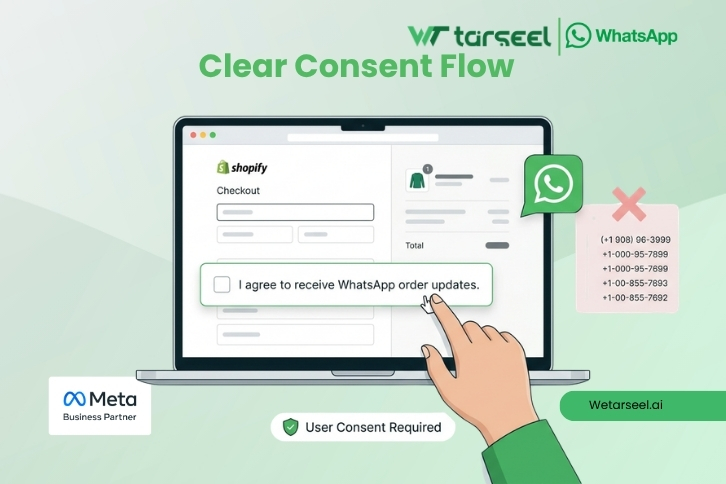
Checkbox at checkout:
“I agree to receive order updates on WhatsApp.”Separate opt-in form before marketing messages.
Click-to-WhatsApp ad where the user starts conversation.
Not Valid
Pre-checked boxes.
Buying phone number databases.
Messaging customers who never agreed.
If customers block or report you, WhatsApp reduces your quality rating. Low quality can result in message limits or suspension.
2. The 24-Hour Messaging Rule
One of the most misunderstood rules in WhatsApp API compliance.
Here’s how it works:
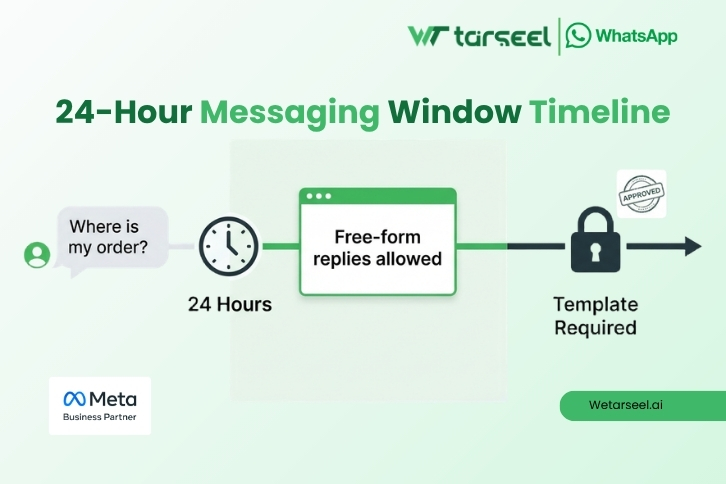
If a customer sends you a message, you have 24 hours to reply freely.
After 24 hours:
You can only send a pre-approved message template.
This rule is part of WhatsApp’s effort to prevent spam and protect user experience.
Practical Shopify Example
If a customer messages:
“Where is my order?”
You can reply normally within 24 hours.
If 3 days later you want to send:
“Your order is out for delivery”
You must use an approved template.
3. Message Templates: Approval & Categories
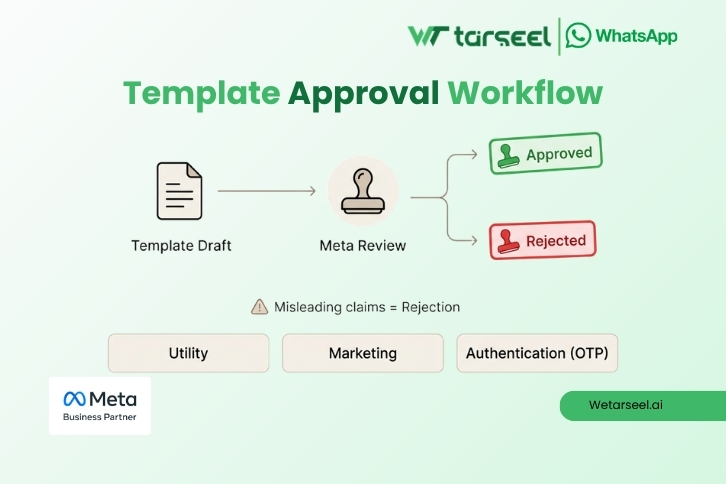
Templates are required for business-initiated messages.
Meta reviews and approves templates before they can be used.
Templates generally fall into categories such as:
Utility (order updates, shipping confirmation)
Marketing
Authentication (OTP codes)
If your template:
Is misleading
Contains unclear promotional claims
Violates policy
It can be rejected.
Repeated violations can affect account status.
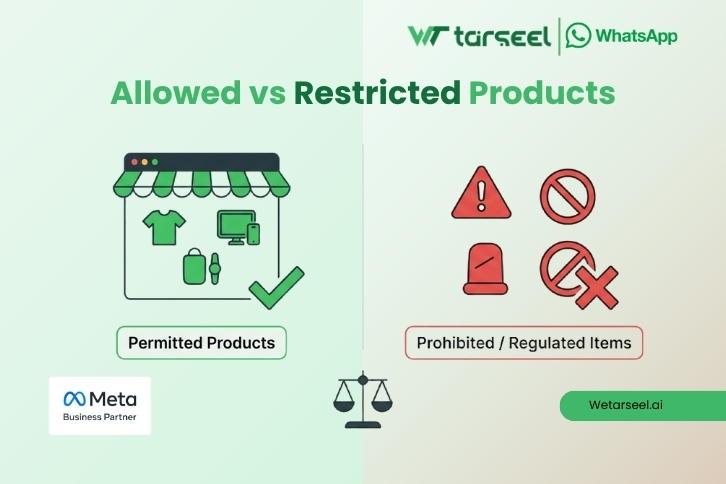
4. WhatsApp Commerce Policy (What You Are Allowed to Sell)
If you sell products via Shopify and send messages through WhatsApp, you must also follow the WhatsApp Commerce Policy.
You cannot use WhatsApp to promote or sell:
Illegal products
Certain regulated goods
Prohibited items listed in official commerce policy
You must also follow local laws in your country (for example, UAE or South Asia regulations).
WhatsApp clearly states businesses are responsible for complying with applicable laws in addition to WhatsApp policy.
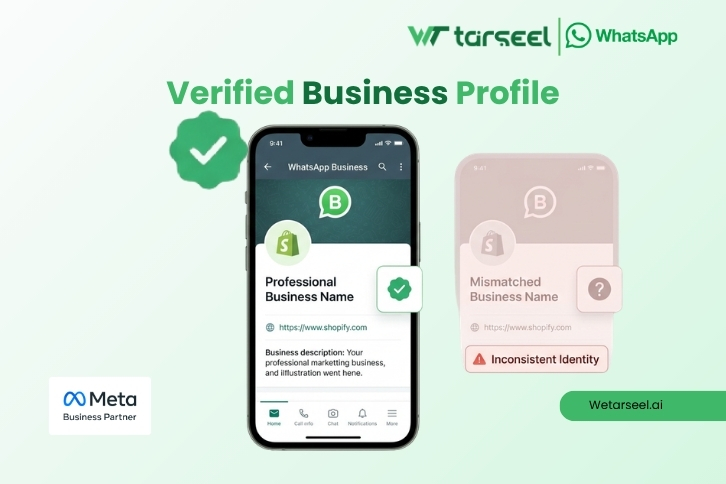
5. Business Identity & Transparency Requirements
WhatsApp requires businesses to:
Provide accurate business information
Not impersonate other brands
Not provide misleading claims
Maintain truthful communication
This is part of the official Business Terms.
If your Shopify store name and WhatsApp display name mismatch, this can trigger review or verification issues.
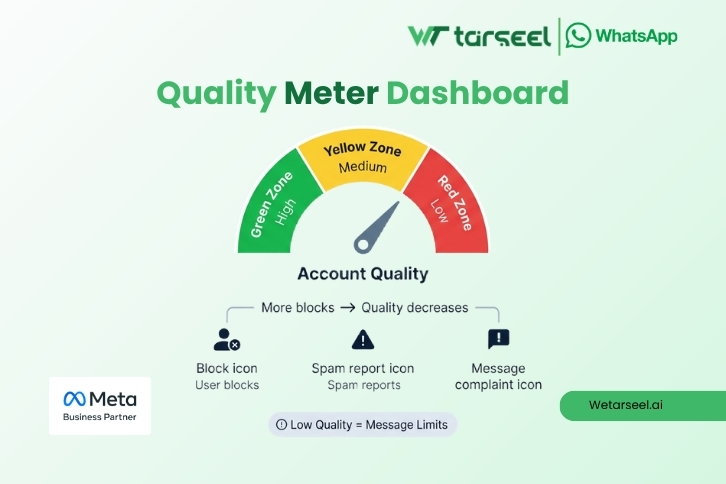
6. Quality Rating & Account Health
WhatsApp monitors user feedback.
If many users:
Block your number
Report your messages
Mark messages as spam
Your quality rating drops.
If quality becomes low:
Message limits can be reduced.
Account can be restricted.
Messaging tiers can decrease.
This is officially stated in WhatsApp Business Messaging Policy enforcement guidelines.
Shopify WhatsApp API Compliance Checklist
Before sending messages, check:
✔ Do I have explicit WhatsApp opt-in?
✔ Am I using an approved template (if outside 24 hours)?
✔ Is my template content truthful and clear?
✔ Am I respecting user opt-outs?
✔ Am I selling only allowed products?
✔ Is my business profile accurate?
✔ Am I monitoring quality rating regularly?
If you answer “No” to any of these, you may be at risk.
Common Compliance Mistakes Shopify Merchants Make
Based on official rules and real enforcement patterns:
1. Sending promotional messages without clear opt-in
2. Using aggressive marketing templates
3. Ignoring 24-hour rule
4. Sending too many abandoned cart reminders
5. Not honoring opt-out requests immediately
Even if one violation seems small, repeated behavior increases enforcement risk.
Final Thoughts: How to Stay Safe Long Term
The safest approach is simple:
Collect clear consent.
Send only relevant messages.
Use templates properly.
Avoid over-messaging.
Monitor quality.
Compliance is not about “avoiding bans.”
It is about respecting the platform and user trust.
If you build your Shopify WhatsApp communication on policy, transparency, and consent — your messaging performance will be stable and sustainable.


WhatsApp Business API Pakistan: Features, Pricing & How to Choose

WhatsApp Business API Pricing in Pakistan: A 2026 Guide (Starting from Rs. 5,000)

Beyond Messaging: Why Customer Experience Is the Future of WhatsApp Marketing in Pakistan

The True Cost of Jugaad: Official WhatsApp API vs Unofficial Tools