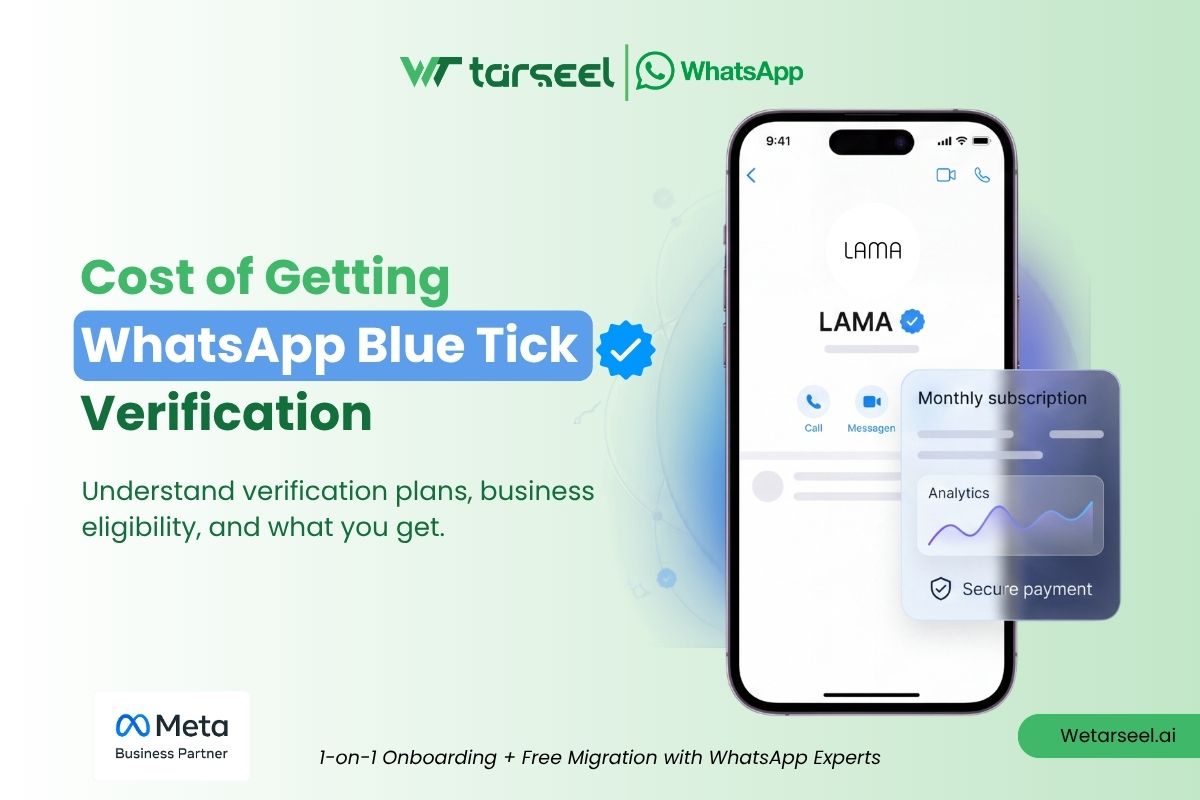
$14.99 a month. Or $0. The gap between them could decide whether your business ever gets that little blue badge.
If you have been searching for the real cost of WhatsApp Blue Tick verification, you have probably found five different answers on five different websites.
One site says it is free. Another says the top plan costs $349 a month. A third insists it is $499.
None of them are lying. They are just quoting different years of the same subscription. We will explain exactly why, later in this guide.
Table of Contents
WhatsApp verification has more than one route. More than one price tag. And more than one hidden cost that only shows up after you sign up.
This guide breaks down every real cost, in plain and simple English. No jargon. No guesswork. Just the numbers, where they come from, and what you actually get for your money.
If you have not yet started your application, our step-by-step guide on how to apply for the Blue Tick on the WhatsApp Business Platform walks you through the process itself. This article focuses only on the cost side of that journey.
Quick Answer: What Does the WhatsApp Blue Tick Cost?
Here is the short version, for people in a hurry.
- Paid route (Meta Verified): $14.99 to $499.99 per month, per WhatsApp number. The top three tiers start lower in year one and step up after that.
- Free route (Official Business Account): $0 from Meta. But you need real press coverage to qualify, and that often costs money elsewhere.
- Hidden costs: BSP platform fees, per-message API charges, and PR costs. These apply no matter which route you choose.
Now let’s break each one down.
The Two Roads to a Blue Tick
WhatsApp only gives the blue badge in two ways. Meta confirms this directly in its own documentation.
There is no third shortcut. And there is no way to simply “buy” the tick without going through one of these two doors.
Route 1: Meta Verified. You pay Meta every month. In return, you get the badge and a few extra business tools. This route works for almost any small or growing business.
Route 2: Official Business Account (OBA). You pay Meta nothing. But Meta only grants this badge to brands with real, organic media coverage.
Picture two small clothing brands, both applying the same week. Brand A has been featured in three local news stories about its founder. Brand B has zero press, just a solid product and loyal customers.
Brand A can apply for OBA and pay nothing. Brand B cannot, not yet. Brand B’s fastest path is Meta Verified, for $14.99 a month.
Same badge. Two completely different price tags. That is the whole story of WhatsApp verification cost in one example.
Meta Verified: Priced Tier by Tier
Meta Verified for Business runs on four pricing tiers. This structure holds true whether you are verifying a Facebook Page, an Instagram account, or a WhatsApp number.
| Plan | Your First 12 Months | Standard Rate (Year 2+) |
|---|---|---|
| Business Standard | $14.99/month | $14.99/month |
| Business Plus | $44.99/month | $49.99/month |
| Business Premium | $119.99/month | $149.99/month |
| Business Max Top Tier | $349.99/month | $499.99/month |
Plus, Premium, and Max start at a lower introductory rate for your first 12 months, then renew automatically at the standard rate. Business Standard stays flat at $14.99. Prices are billed in USD and may vary by region — always confirm the live rate in Meta Business Suite before subscribing.
This is the detail that explains the conflicting numbers you have seen elsewhere. Meta signs new subscribers up at an introductory rate on Plus, Premium, and Max. That lower rate holds for 12 months, then it renews automatically at the standard rate above. An article written in month 3 of someone’s subscription, and one written in month 15, will quote two different, equally correct numbers.
Business Standard is the only exception. It stays flat at $14.99, no matter how long you have been subscribed.
A few more things worth knowing before you pick a plan:
The badge never changes
Every tier gets the exact same blue checkmark. What changes is the support layer sitting behind it.
Standard gives you basic verified support and impersonation protection. Max, the top tier, adds active case monitoring, protection across multiple employee accounts, and a higher device cap for WhatsApp multi-agent support.
You pay per asset, not per business
This is the part most articles skip.
Say your company wants the badge on its WhatsApp number, its Facebook Page, and its Instagram account. That is not one subscription. It is three, billed separately, even though they all belong to the same business.
Web checkout can be cheaper
For the individual Standard subscription, Meta’s own pricing page confirms a lower rate on desktop web ($11.99) than on the mobile app ($14.99). App-store commissions are the reason.
This discount is well documented for that plan. For business tiers and WhatsApp specifically, pricing can vary by region and purchase method, so it is worth comparing both before you subscribe.
Prices vary by country
Meta bills in local currency. The exact figure you see depends on your region.
Always check the live price inside Meta Business Suite before you subscribe. Regional rates can differ meaningfully from the US dollar figures above.
How to Subscribe Through the App
If your business runs on the free WhatsApp Business app, the process is quick:
- Open WhatsApp Business, go to Settings, then Business Tools.
- Tap Meta Verified.
- Pick your plan and confirm payment.
- Upload your legal business documents (tax ID, incorporation certificate, or a utility bill), matching your registered display name exactly.
Approval can take anywhere from 10 minutes to three business days.
How to Subscribe Through the API
If you run WhatsApp through a Business Solution Provider like Wetarseel AI, you subscribe from Meta Business Suite instead.
For the full walkthrough, screenshots, and required document checklist, see our detailed WhatsApp Business Platform verification guide.
The Free Route: What “Free” Really Means
The Official Business Account route costs nothing in subscription fees. But “free” only covers what Meta charges. It does not cover what it takes to become eligible.
To qualify for OBA, Meta asks for proof that your brand is genuinely notable. In practice, that means:
- 3 to 5 organic news articles about your business, published by outlets you do not own or control.
- Coverage Meta can verify as independent. Paid advertorials, sponsored posts, and press releases you wrote yourself do not count.
- A display name that matches your legal business name exactly.
A mismatched display name is the single most common reason applications get rejected, on either route.
For an established brand that already gets press coverage, this route truly is free.
For a newer business, earning that coverage usually means hiring a PR agency, running outreach campaigns, or spending months building relationships with journalists. That is a real cost. It just never shows up on a Meta invoice.
The takeaway: OBA suits large, already-notable enterprises far better than startups. If you have no press history, chasing OBA status can end up costing more, in time and PR spend, than simply paying for Meta Verified.
The Hidden Costs Nobody Mentions
Most cost guides stop at the subscription fee. Two other costs sit underneath both routes, and they apply no matter how you get your badge.
1. WhatsApp API messaging charges
If your business runs on the WhatsApp Business Platform (the API, not the free app), Meta bills messaging separately from verification.
As of July 2025, Meta moved from its old conversation-based model to per-message pricing. In plain terms: every marketing, utility, and authentication template message is billed individually once it is delivered, at a rate that depends on the message category and the recipient’s country. Plain replies you send within an open 24-hour service window stay free, and so do utility templates sent inside that same window.
This cost exists whether or not you have the blue tick. But it is worth planning for. A verified badge tends to drive more replies, and more replies mean more billable messages.
2. BSP platform fees
If you access the platform through a Business Solution Provider (BSP) rather than connecting directly to Meta’s Cloud API, that provider charges its own monthly fee. Think dashboard, automation tools, team inbox, and support, on top of raw API access.
This fee is separate from anything Meta charges, and separate from Meta Verified. It varies by provider, so confirm current pricing directly with your BSP before budgeting.
3. Documentation and setup time
Both routes need legal business documents: tax registration, incorporation papers, or utility bills. Plus a Meta Business Manager account that has passed security verification.
Gathering these is not a cash cost. But it is a real cost in staff hours, especially if your business records are outdated or scattered across departments.
Meta Verified vs. Official Business Account
| Factor | Meta Verified (Paid) | Official Business Account (Free) |
|---|---|---|
| Direct Meta cost | $14.99–$499.99/month | $0 |
| Eligibility requirement | Business registration documents | 3–5 organic press articles |
| Best suited for | Startups, SMBs, growing e-commerce brands | Large, already-notable enterprises |
| Approval time | 10 minutes to 3 business days | 2 to 7 business days |
| Indirect cost | None beyond the subscription | PR outreach, media relationships |
| Renewal risk | Price rises after year one | No recurring fee |
Choose Meta Verified if you need the badge quickly and don’t yet have organic press coverage. Choose Official Business Account if your brand already has genuine media mentions and you’d rather invest zero dollars with Meta directly.
Is Paying for Meta Verified Worth the Cost?
A verified badge does one job well: it removes hesitation.
When a customer sees the blue checkmark next to your name, they are more likely to open your message, click your link, or share payment details, instead of wondering if they are talking to a scammer impersonating your brand.
Businesses that message customers regularly on WhatsApp often report stronger open rates and faster replies after adding the badge. Results depend heavily on your industry and audience, so treat any exact percentage you see quoted elsewhere with caution.
But the badge does not sell for you. It just gets people to open the door.
What happens after that, your response speed, your message quality, your actual product, decides whether that trust turns into revenue.
Try this instead of asking “can I afford $14.99”: Ask whether you already message enough customers on WhatsApp that removing their hesitation would meaningfully move your numbers.
A handful of messages a week? The badge alone will not do much.
Customer support, order updates, or marketing campaigns running at scale through WhatsApp? The badge can start paying for itself through nothing more than higher trust.
How to Keep Your Verification Costs Down
- Check web checkout before you subscribe. Confirmed cheaper for the individual Standard plan, and worth comparing for business tiers too.
- Pick the Standard tier first. The badge is identical across every tier. Only upgrade if you genuinely need faster support or account monitoring.
- Budget for the year-two price jump. Plus, Premium, and Max all increase automatically once the 12-month introductory rate ends. Plan for it now, not on the day your bill jumps.
- Get your documents ready before you apply. Rejected applications waste time, and that mismatched display name is the easiest mistake to avoid.
- Already had the old Green Tick? Do nothing. Meta confirms existing verified accounts convert to the blue badge automatically, at no extra cost.
Frequently Asked Questions (FAQs)
-
Does the WhatsApp Blue Tick cost money?
It can, but it does not have to. Meta Verified is a paid subscription starting at $14.99 a month. The Official Business Account route is free, but only for businesses that already have genuine, independent press coverage.
-
How much is Meta Verified for WhatsApp per month?
Standard is a flat $14.99 a month. Plus, Premium, and Max start lower for your first 12 months ($44.99, $119.99, and $349.99) and renew at their standard rate ($49.99, $149.99, and $499.99) from year two onward. Every tier includes the same badge; higher tiers add extra support and protection.
-
Is the WhatsApp Blue Tick a one-time payment?
No. Meta Verified is a recurring monthly subscription, not a one-time fee. Cancel it, and you lose the badge. Keep it, and your rate rises automatically after year one on every tier except Standard.
-
Do I need the WhatsApp Business API to get verified?
Not necessarily. Meta Verified works through both the free WhatsApp Business app and the WhatsApp Business Platform (API). The free Official Business Account route, however, is API-only.
-
Does my old Green Tick still work?
Yes. Meta has confirmed that businesses with an existing verified badge keep their status automatically. The checkmark simply changes color from green to blue, with no action or extra payment required.
-
Can I lose the Blue Tick after getting it?
Yes. Changing your business profile name or photo triggers a re-review, and your badge disappears temporarily until Meta re-verifies the new details. Falling out of compliance with Meta's Business Terms of Service can cost you the badge permanently.
The Bottom Line
The cost of the WhatsApp Blue Tick is not one number.
It is a choice: pay Meta directly, starting at $14.99 a month, or pay indirectly through PR and media outreach to qualify for the free route. Layer on API messaging charges and BSP platform fees, and the true cost picture gets clearer than most guides let on.
For most growing businesses, Meta Verified is the faster, more predictable path. If you are ready to move forward, our complete application walkthrough covers every step, from document checklists to the exact screens you will see during setup.
Connect Your Shopify Store with WhatsApp
Connect your Shopify store to the official WhatsApp Business API with Wetarseel. Send order updates and WhatsApp broadcasts to opted-in customers, and let your team
WhatsApp API Calling on Wetarseel — Voice + Chat on One Number
A customer who is three messages deep into a complaint doesn’t want a fourth message — they want to hear a human voice. That’s exactly

Cost of Getting WhatsApp Blue Tick Verification
$14.99 a month. Or $0. The gap between them could decide whether your business ever gets that little blue badge. If you have been searching
How to Write High-Converting WhatsApp Templates (With Copy Examples)
Here’s a number that should make you stop and think: WhatsApp messages are widely reported to get opened between 85% and 98% of the time.
WhatsApp Support SLAs & Metrics: What to Track
18 seconds. That is how fast the top 20% of teams in Freshworks’ 2025 benchmark send a first reply to WhatsApp support messages. How fast

Connecting WhatsApp API with Zapier / Make: Step-by-Step (2026 Guide)
More than 3 billion people use WhatsApp every month. One of them may be messaging your business right now. And someone on your team is